






• Buy Followers
    • Instagram Services
      • Buy Instagram Followers
      • Buy Instagram Likes
      • Buy Instagram Views
      • Buy Instagram Comments
    • YouTube Services
      • Buy YouTube Views
      • Buy YouTube Subscribers
      • Buy YouTube Likes
      • Buy YouTube Comments
    • TikTok Services
      • Buy TikTok Followers
      • Buy TikTok Likes
      • Buy TikTok Views
    • Facebook Services
      • Buy Facebook Page Likes
      • Buy Facebook Followers
      • Buy Facebook Post Likes
      • Buy Facebook Views
    • Twitter Services
      • Buy Twitter Followers
      • Buy Twitter Likes
      • Buy Twitter Retweets
  • Blog
  • Categories
    • Instagram
    • YouTube
    • TikTok
    • Facebook
    • Twitter
  • Contact
No Result
View All Result
Zeru
  • Buy Followers
    • Instagram Services
      • Buy Instagram Followers
      • Buy Instagram Likes
      • Buy Instagram Views
      • Buy Instagram Comments
    • YouTube Services
      • Buy YouTube Views
      • Buy YouTube Subscribers
      • Buy YouTube Likes
      • Buy YouTube Comments
    • TikTok Services
      • Buy TikTok Followers
      • Buy TikTok Likes
      • Buy TikTok Views
    • Facebook Services
      • Buy Facebook Page Likes
      • Buy Facebook Followers
      • Buy Facebook Post Likes
      • Buy Facebook Views
    • Twitter Services
      • Buy Twitter Followers
      • Buy Twitter Likes
      • Buy Twitter Retweets
  • Blog
  • Categories
    • Instagram
    • YouTube
    • TikTok
    • Facebook
    • Twitter
  • Contact
No Result
View All Result
Zeru
No Result
View All Result

Popular Services

Buy YouTube Views
Buy TikTok Followers
Buy Twitter Followers
Buy Facebook Followers
Buy Instagram Likes
Buy TikTok Likes
Buy Instagram Views
Buy TikTok Views
Buy Instagram Comments
Buy YouTube Likes
Buy Twitter Likes
Buy YouTube Comments
Buy Facebook Views
Buy Facebook Page Likes
Buy Twitter Retweets
Buy Facebook Post Likes
Buy YouTube Subscribers
Buy Instagram Followers

How to Upload a GIF to Instagram

Lizzie Yates by Lizzie Yates
in Instagram
3 min read
61
How to Upload a GIF to Instagram
13
SHARES
1.3k
VIEWS
Share on FacebookShare on Twitter

Contents

  • How to Upload a GIF to Instagram
  • Using third-party apps
  • Using Boomerang feature
  • Using GIPHY

How to Upload a GIF to Instagram

how to upload gif to instagram

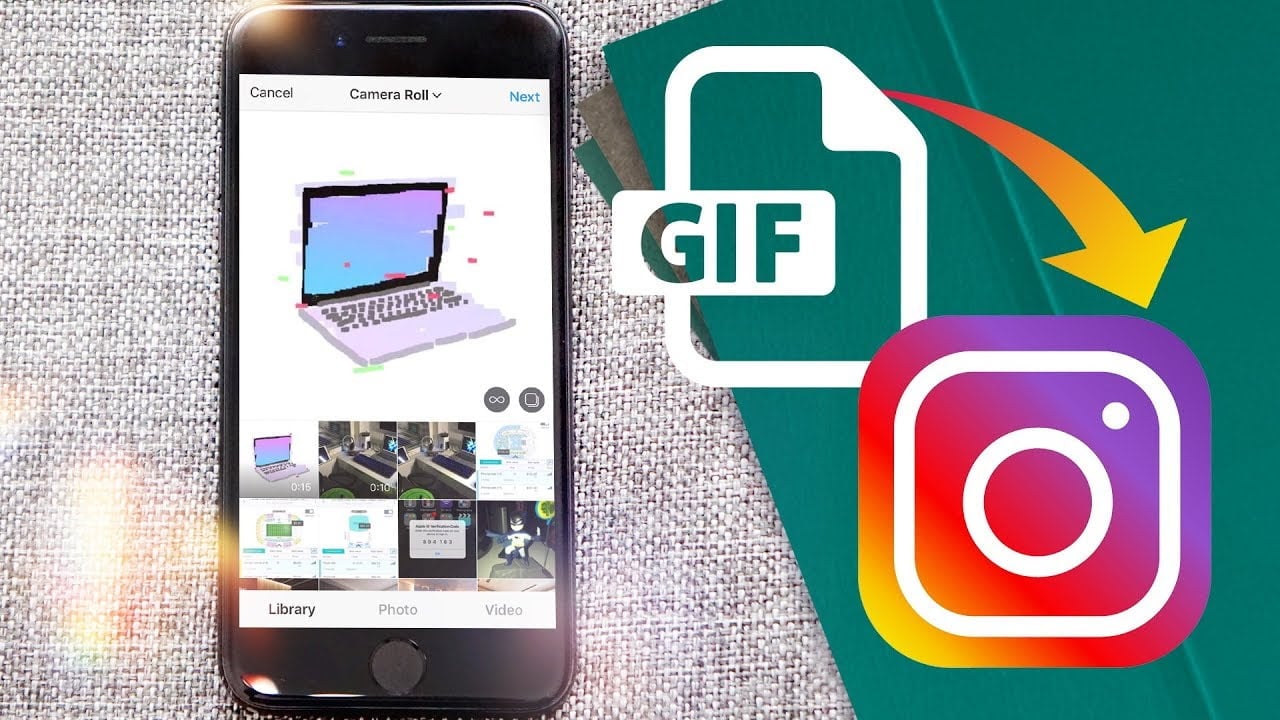
If you’re wondering how to upload a GIF to Instagram, this article is for you. There are several ways you can do this, including using third-party apps, the Boomerang feature, and GIPHY. We’ll cover all of these options in detail. Follow these steps to create an animated GIF and share it on your Instagram page. If you’re looking for a free GIF maker, download GIPHY and then follow the simple steps below.

Using third-party apps

If you want to share a GIF on Instagram, you must convert it into a video file first. This is much easier than it might sound. There are a number of third-party apps for this purpose. On the same subject : How Do Guys Pose on Instagram?. However, you must be aware of the time limit that Instagram places on GIFs. GIFs cannot exceed 15 seconds in length. In addition, they cannot contain any watermarks.

Once you have converted the GIF, you can then upload it on Instagram. Keep in mind that you cannot upload it directly from the camera roll. To convert it to Instagram-compatible format, you need to download a third-party app. For this purpose, you can download GIPHY Cam from Google Play or App Store. First, you must save the GIF to the Camera Roll.

After downloading the app, you can use it to share a GIF on Instagram. To use it, you should sign in to your GIPHY account. Besides, this app will also allow you to upload a GIF to your Instagram feed or story. To add it to your Instagram feed, you can also use GIPHY’s mobile app. Once you’ve downloaded it, follow the steps listed below to post it on Instagram.

This may interest you :
How to Upload Photos to Instagram
How to Upload Photos to Instagram There are a few tips you…

Using Boomerang feature

If you haven’t yet figured out how to upload a gif to Instagram, you’re in for a treat. The app Boomerang makes it easy to upload fun animations. See the article : How Do You Save Other People’s Instagram Stories?. The app is available for free on the Google Play Store or iTunes. All you need to do is download the app, hold down the circle button, and shoot! Once the video is captured, you’ll be greeted with a series of flashes.

Once you’ve done this, you can then trim the GIF to a specific length and save it as a new video clip. Next, you can post the video to your Instagram Story. If you’d like to upload a GIF to Instagram, you can follow these steps. First, download the Boomerang app, which is free on both iOS and Android. Then, select the Boomerang option and follow the on-screen instructions.

Once you’ve done that, you’re ready to start creating your Boomerang video. Follow the guidelines below to make your video look great on Instagram. It doesn’t have to be perfect – authenticity is better than perfectionism. Besides, you should also follow a few best practices when using the Boomerang feature. In the end, Boomerang videos are a great way to highlight your brand in a new and creative way.

On the same subject :
How to Hide Your Followers on Instagram
How to Hide Your Followers on Instagram In this article I’ll show…

Using GIPHY

If you want to upload GIFs to Instagram, you can follow a few steps. First, you need to record a video. Once you have recorded the video, you can upload it to GIPHY in several different ways. You can either paste a YouTube link or drag and drop the file to the site. Once you’ve uploaded the video, you can edit it using internal editing tools. You can set the duration of your GIF and add captions and effects.

Alternatively, you can use GIPHY to create your GIF. The service allows you to create GIFs from videos, which you can easily post to Instagram. The uploading process is very simple. See the article : How to Find Friends on Instagram. You’ll need access to your camera. Then, simply select “Upload to Instagram” in the app’s share option and follow the instructions. You’ll be prompted to choose an Instagram hashtag for the GIF.

Once you’ve uploaded your GIF, you can share it on Instagram Story or Feed. It’s easy to do! Open the GIPHY app and click “Add GIF to Story.” The GIF will open inside your Instagram. It will loop for around 15 seconds. If you want to edit the GIF, you can also add captions, stickers, location, and tags. Once your post is live, your GIF will be available to your followers for 24 hours.

This may interest you :
How to Get More Filters on Instagram
How to Get More Filters on Instagram To get more Instagram filters,…

Related Posts:

  • How to Post GIFs on Instagram
  • How to Post a GIF on Instagram
  • How to Post GIF on Instagram
  • How to Post a GIF on Facebook
  • How to Make a GIF for Instagram Using Canva
  • How to Boomerang on Instagram
Was this article helpful?
YesNo

You might also like

Troubleshooting Instagram Posting Issues

Troubleshooting Instagram Posting Issues

How to Post Multiple Photos on Instagram Without Cropping – The Ultimate Guide

How to Post Multiple Photos on Instagram Without Cropping – The Ultimate Guide

How Do I View My Instagram Likes on My PC?

How Do I View My Instagram Likes on My PC?

How to Pause Reels in Instagram

How to Pause Reels in Instagram

How to Make Instagram Bio Center

How to Get Verified on YouTube: How to Speed Up the Process

How to Get Verified on YouTube: How to Speed Up the Process

Categories

  • Facebook
  • General
  • Instagram
  • LinkedIn
  • Marketing
  • Pinterest
  • Social Media
  • TikTok
  • Twitter
  • YouTube


Making Your Brands Popular.

(347) 875-0972

[email protected]

© 2024 Zeru.
All Rights Reserved.

DMCA.com Protection Status

Instagram Services

  • Buy Instagram Followers
  • Buy Instagram Likes
  • Buy Instagram Views
  • Buy Instagram Comments

YouTube Services

  • Buy YouTube Views
  • Buy YouTube Subscribers
  • Buy YouTube Likes
  • Buy YouTube Comments

TikTok Services

  • Buy TikTok Followers
  • Buy TikTok Likes
  • Buy TikTok Views

Facebook Services

  • Buy Facebook Page Likes
  • Buy Facebook Followers
  • Buy Facebook Post Likes
  • Buy Facebook Views

Twitter Services

  • Buy Twitter Followers
  • Buy Twitter Likes
  • Buy Twitter Retweets

Quick Links

  • FAQ
  • Blog
  • Contact
  • About
  • Terms and Conditions
  • Privacy Policy
No Result
View All Result
  • Buy Followers
    • Instagram Services
      • Buy Instagram Followers
      • Buy Instagram Likes
      • Buy Instagram Views
      • Buy Instagram Comments
    • YouTube Services
      • Buy YouTube Views
      • Buy YouTube Subscribers
      • Buy YouTube Likes
      • Buy YouTube Comments
    • TikTok Services
      • Buy TikTok Followers
      • Buy TikTok Likes
      • Buy TikTok Views
    • Facebook Services
      • Buy Facebook Page Likes
      • Buy Facebook Followers
      • Buy Facebook Post Likes
      • Buy Facebook Views
    • Twitter Services
      • Buy Twitter Followers
      • Buy Twitter Likes
      • Buy Twitter Retweets
  • Blog
  • Categories
    • Instagram
    • YouTube
    • TikTok
    • Facebook
    • Twitter
  • Contact

© 2023 Zeru. All Rights Reserved.

Welcome Back!

Login to your account below

Forgotten Password?

Create New Account!

Fill the forms bellow to register

All fields are required. Log In

Retrieve your password

Please enter your username or email address to reset your password.

Log In






