






• Buy Followers
    • Instagram Services
      • Buy Instagram Followers
      • Buy Instagram Likes
      • Buy Instagram Views
      • Buy Instagram Comments
    • YouTube Services
      • Buy YouTube Views
      • Buy YouTube Subscribers
      • Buy YouTube Likes
      • Buy YouTube Comments
    • TikTok Services
      • Buy TikTok Followers
      • Buy TikTok Likes
      • Buy TikTok Views
    • Facebook Services
      • Buy Facebook Page Likes
      • Buy Facebook Followers
      • Buy Facebook Post Likes
      • Buy Facebook Views
    • Twitter Services
      • Buy Twitter Followers
      • Buy Twitter Likes
      • Buy Twitter Retweets
  • Blog
  • Categories
    • Instagram
    • YouTube
    • TikTok
    • Facebook
    • Twitter
  • Contact
No Result
View All Result
Zeru
  • Buy Followers
    • Instagram Services
      • Buy Instagram Followers
      • Buy Instagram Likes
      • Buy Instagram Views
      • Buy Instagram Comments
    • YouTube Services
      • Buy YouTube Views
      • Buy YouTube Subscribers
      • Buy YouTube Likes
      • Buy YouTube Comments
    • TikTok Services
      • Buy TikTok Followers
      • Buy TikTok Likes
      • Buy TikTok Views
    • Facebook Services
      • Buy Facebook Page Likes
      • Buy Facebook Followers
      • Buy Facebook Post Likes
      • Buy Facebook Views
    • Twitter Services
      • Buy Twitter Followers
      • Buy Twitter Likes
      • Buy Twitter Retweets
  • Blog
  • Categories
    • Instagram
    • YouTube
    • TikTok
    • Facebook
    • Twitter
  • Contact
No Result
View All Result
Zeru
No Result
View All Result

Popular Services

Buy YouTube Views
Buy TikTok Followers
Buy Twitter Followers
Buy Facebook Followers
Buy Instagram Likes
Buy TikTok Likes
Buy Instagram Views
Buy TikTok Views
Buy Instagram Comments
Buy YouTube Likes
Buy Twitter Likes
Buy YouTube Comments
Buy Facebook Views
Buy Facebook Page Likes
Buy Twitter Retweets
Buy Facebook Post Likes
Buy YouTube Subscribers
Buy Instagram Followers

How to Add Hashtags to Your Instagram Posts

Lizzie Yates by Lizzie Yates
in Instagram
3 min read
69
How to Add Hashtags to Your Instagram Posts
14
SHARES
1.4k
VIEWS
Share on FacebookShare on Twitter

Contents

  • How to Add Hashtags to Your Instagram Posts
  • Relevant hashtags
  • Creating a personal library of hashtags
  • Adding them after the fact
  • Using category hashtags
  • Using branded hashtags

How to Add Hashtags to Your Instagram Posts

how to add hashtags on instagram

When posting on Instagram, one of the most common questions is how to add hashtags to your photos. There are two ways to do this: adding hashtags to content that you have already posted, or adding them after the fact. Both ways work well, and are equally useful. Read on for some tips. Read on to learn how to add hashtags to your Instagram posts. You can also save hashtags for later use.

Relevant hashtags

If you’re a new account on Instagram, the most popular hashtags may not be the right ones for you. Instead, try using more specific hashtags for your topic. While less posts means fewer followers, you’ll be more visible to your followers. This may interest you : How to See Old Stories on Instagram. And, using relevant hashtags will help people find your content. But, what exactly are the best hashtags for Instagram? Read on to find out! So, how can you use hashtags wisely and maximize your Instagram account?

A good way to find the right hashtags is to do a hashtag search on Instagram. This will show you all the related hashtags that people are using. Instagram also lists them by popularity, so you can use those that are trending. You can even import hashtags from a spreadsheet so that you can test them out yourself. One key tip: If you are looking for hashtags specific to a specific industry or topic, you should avoid using hashtags that are overused by people in similar industries.

To see also :
What is the Best Caption for Instagram?
What is the Best Caption for Instagram? When posting a photo to…

Creating a personal library of hashtags

Creating a personal library of Instagram hashtags is easy, but it can get frustrating when you’re trying to find them. Instagram allows you to use up to 30 hashtags per post, so you’ll have to choose carefully. See the article : How to See Who Views Your Instagram. The best way to keep track of the hashtags that you’re using is to use an app or software to search for them. Below are some of the best ways to create a personal library of hashtags on Instagram.

Start by reviewing popular hashtags. You can use these to promote your account and attract like-minded individuals. If you don’t know any hashtags, you should do some research. The following list contains some of the most popular hashtags on Instagram. Just remember that some hashtags are more common than others, so you need to choose the ones that are best suited for your niche. You can also use hashtags for your Instagram Stories.
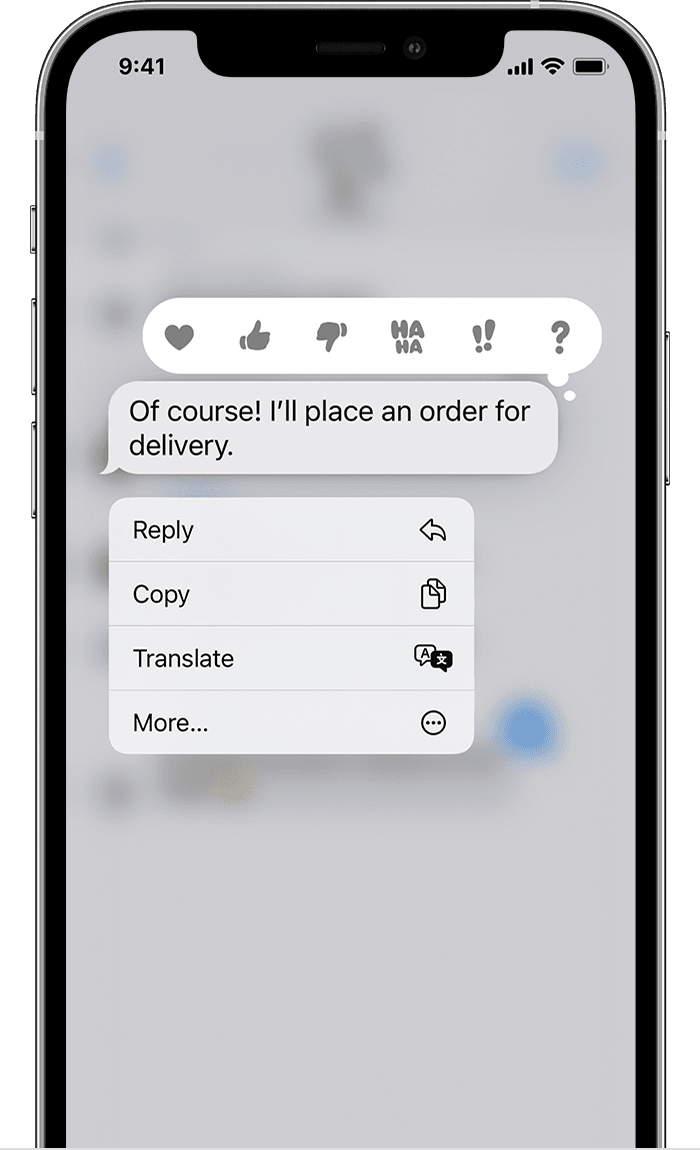
Read also :
How to Reply on Instagram – How to Reply to Specific Messages, How to Use the Automated Responses Feature, and More
How to Reply on Instagram – How to Reply to Specific Messages,…

Adding them after the fact

Adding hashtags on Instagram after the fact is difficult because they are not visible in your photo stream, but only to people who click to read your comments. Fortunately, it is not impossible to add hashtags after the fact! To do this, you can create a text file with your hashtags, preferably in the Notes application. To see also : How to Unmute Posts on Instagram. In addition to creating a text file, you can also use Instagram to add line breaks if necessary.

Adding hashtags after the fact is also a bit tricky, because it can alert the algorithm to spamming activity, and that may result in your post being banned altogether. If you use hashtags in a way that is incongruous to the topic of your post, it may get flagged as spam, and it could limit its publicity. Luckily, Instagram is incredibly helpful when it comes to ensuring that you get the most exposure for your content.

This may interest you :
How Do You Get Filters on Your Instagram Stories?
How Do You Get Filters on Your Instagram Stories? How do you…

Using category hashtags

If you are new to using hashtags on Instagram, then you might be wondering how to go about using them. This post will give you a quick guide on using hashtags in your Instagram captions. The first thing to do is to create a text file of the category and the description of the hashtag. You can use a text editor like Notes on your phone to create a file. Next, you can add line breaks if you wish.

Once you have a list of possible category hashtags, you should look at the number of posts that were published under each one. Make sure to choose ones that are relevant to your niche, as hashtags that are too general can lead to your posts being filtered by search engines. It’s also important to understand how hashtag monitoring works to ensure that your content meets community standards. To do that, you need to know what is considered “trending” and which hashtags are less popular.

Using branded hashtags

Using branded hashtags on Instagram can help you generate more leads. They are an effective way to promote brand awareness by incorporating short phrases or words related to a product or service. In addition, hashtags can also be used to organize posts on a hashtag page. Branded hashtags on Instagram can be used for brand awareness campaigns, contests, and other purposes. Here are some tips for using them.

Before implementing any branded hashtags, it’s important to test the effectiveness of the hashtags you choose. A/B testing can help you discover which hashtags are most effective for your brand. Instagram Stories is a great place to try hashtags since these posts are temporary, so they are ideal for testing. Try using different hashtags to highlight the same content in a variety of posts to see which one gets the most engagement.


Related Posts:

  • How to Hashtag on Instagram
  • Do Hashtags Work on Instagram 2022?
  • How to Tag on Instagram
  • How Many Hashtags Should I Use on Instagram?
  • Do Hashtags Work on Business Instagram?
  • How to Find Trending Hashtags on Instagram 2022
Was this article helpful?
YesNo

You might also like

Troubleshooting Instagram Posting Issues

Troubleshooting Instagram Posting Issues

How to Post Multiple Photos on Instagram Without Cropping – The Ultimate Guide

How to Post Multiple Photos on Instagram Without Cropping – The Ultimate Guide

How Do I View My Instagram Likes on My PC?

How Do I View My Instagram Likes on My PC?

How to Pause Reels in Instagram

How to Pause Reels in Instagram

How to Make Instagram Bio Center

How to Get Verified on YouTube: How to Speed Up the Process

How to Get Verified on YouTube: How to Speed Up the Process

Categories

  • Facebook
  • General
  • Instagram
  • LinkedIn
  • Marketing
  • Pinterest
  • Social Media
  • TikTok
  • Twitter
  • YouTube


Making Your Brands Popular.

(347) 875-0972

[email protected]

© 2024 Zeru.
All Rights Reserved.

DMCA.com Protection Status

Instagram Services

  • Buy Instagram Followers
  • Buy Instagram Likes
  • Buy Instagram Views
  • Buy Instagram Comments

YouTube Services

  • Buy YouTube Views
  • Buy YouTube Subscribers
  • Buy YouTube Likes
  • Buy YouTube Comments

TikTok Services

  • Buy TikTok Followers
  • Buy TikTok Likes
  • Buy TikTok Views

Facebook Services

  • Buy Facebook Page Likes
  • Buy Facebook Followers
  • Buy Facebook Post Likes
  • Buy Facebook Views

Twitter Services

  • Buy Twitter Followers
  • Buy Twitter Likes
  • Buy Twitter Retweets

Quick Links

  • FAQ
  • Blog
  • Contact
  • About
  • Terms and Conditions
  • Privacy Policy
No Result
View All Result
  • Buy Followers
    • Instagram Services
      • Buy Instagram Followers
      • Buy Instagram Likes
      • Buy Instagram Views
      • Buy Instagram Comments
    • YouTube Services
      • Buy YouTube Views
      • Buy YouTube Subscribers
      • Buy YouTube Likes
      • Buy YouTube Comments
    • TikTok Services
      • Buy TikTok Followers
      • Buy TikTok Likes
      • Buy TikTok Views
    • Facebook Services
      • Buy Facebook Page Likes
      • Buy Facebook Followers
      • Buy Facebook Post Likes
      • Buy Facebook Views
    • Twitter Services
      • Buy Twitter Followers
      • Buy Twitter Likes
      • Buy Twitter Retweets
  • Blog
  • Categories
    • Instagram
    • YouTube
    • TikTok
    • Facebook
    • Twitter
  • Contact

© 2023 Zeru. All Rights Reserved.

Welcome Back!

Login to your account below

Forgotten Password?

Create New Account!

Fill the forms bellow to register

All fields are required. Log In

Retrieve your password

Please enter your username or email address to reset your password.

Log In





