






• Buy Followers
    • Instagram Services
      • Buy Instagram Followers
      • Buy Instagram Likes
      • Buy Instagram Views
      • Buy Instagram Comments
    • YouTube Services
      • Buy YouTube Views
      • Buy YouTube Subscribers
      • Buy YouTube Likes
      • Buy YouTube Comments
    • TikTok Services
      • Buy TikTok Followers
      • Buy TikTok Likes
      • Buy TikTok Views
    • Facebook Services
      • Buy Facebook Page Likes
      • Buy Facebook Followers
      • Buy Facebook Post Likes
      • Buy Facebook Views
    • Twitter Services
      • Buy Twitter Followers
      • Buy Twitter Likes
      • Buy Twitter Retweets
  • Blog
  • Categories
    • Instagram
    • YouTube
    • TikTok
    • Facebook
    • Twitter
  • Contact
No Result
View All Result
Zeru
  • Buy Followers
    • Instagram Services
      • Buy Instagram Followers
      • Buy Instagram Likes
      • Buy Instagram Views
      • Buy Instagram Comments
    • YouTube Services
      • Buy YouTube Views
      • Buy YouTube Subscribers
      • Buy YouTube Likes
      • Buy YouTube Comments
    • TikTok Services
      • Buy TikTok Followers
      • Buy TikTok Likes
      • Buy TikTok Views
    • Facebook Services
      • Buy Facebook Page Likes
      • Buy Facebook Followers
      • Buy Facebook Post Likes
      • Buy Facebook Views
    • Twitter Services
      • Buy Twitter Followers
      • Buy Twitter Likes
      • Buy Twitter Retweets
  • Blog
  • Categories
    • Instagram
    • YouTube
    • TikTok
    • Facebook
    • Twitter
  • Contact
No Result
View All Result
Zeru
No Result
View All Result

Popular Services

Buy YouTube Views
Buy TikTok Followers
Buy Twitter Followers
Buy Facebook Followers
Buy Instagram Likes
Buy TikTok Likes
Buy Instagram Views
Buy TikTok Views
Buy Instagram Comments
Buy YouTube Likes
Buy Twitter Likes
Buy YouTube Comments
Buy Facebook Views
Buy Facebook Page Likes
Buy Twitter Retweets
Buy Facebook Post Likes
Buy YouTube Subscribers
Buy Instagram Followers

What is Take a Break on Facebook?

Lizzie Yates by Lizzie Yates
in Facebook
3 min read
63
What is Take a Break on Facebook?
14
SHARES
1.4k
VIEWS
Share on FacebookShare on Twitter

Contents

  • What is Take a Break on Facebook?
  • Unfriending someone on Facebook
  • Taking a break from someone on Facebook
  • Limiting what that person can see on your timeline
  • Reactivating your Facebook account
  • Reminding yourself why you’re taking a break

What is Take a Break on Facebook?

what is take a break on facebook

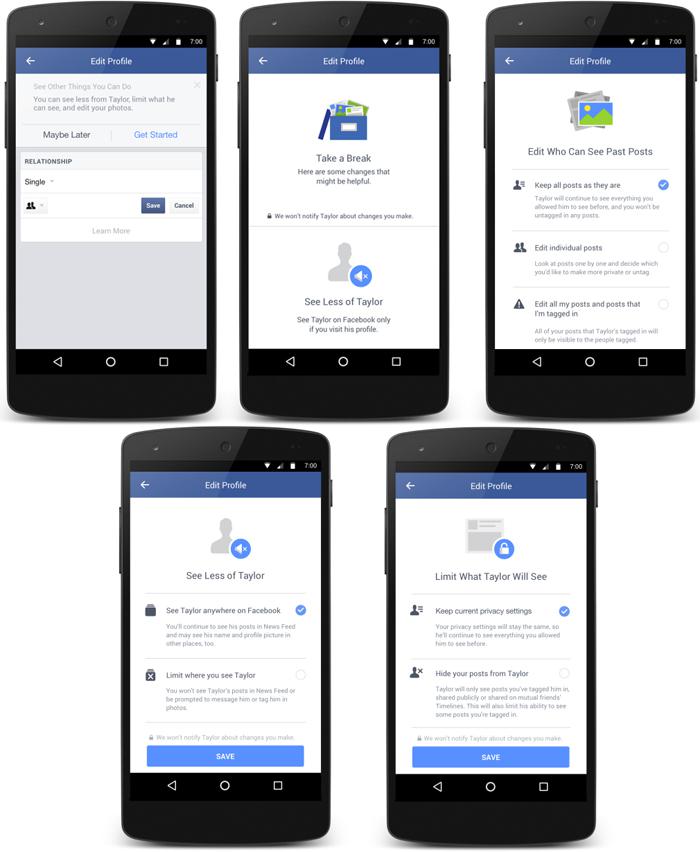
What is take a break on Facebook? It’s a way to limit what a person can see on your timeline while you take a break from the social media site. You can also unfriend the person and limit the information they can see on your timeline. In this article, we’ll go over how to do each of these. We’ll also cover how to reactivate your Facebook account when you’re finished.

Unfriending someone on Facebook

Unfriending someone on Facebook will isolate them from your public posts. However, unfriending someone does not mean you will not see their public posts. This is a little known feature that lets you control the content of your news feed. To see also : How to Open a Business Page on Facebook. If you are having trouble keeping up with someone you’ve been friends with for many years, you can unfriend them. There are several different reasons to unfriend someone on Facebook. Let’s explore some of these reasons.

If you have just been unfriended on Facebook, you probably feel hurt, angry, or offended. There may be a lot of reasons for this, ranging from a different political perspective to excessive negativity or spam posts. In the worst cases, you may feel like unfriending someone you know in real life. If you feel like you need to get in touch with them, however, you should just ignore the unfriend request and re-friend them.
Read also :
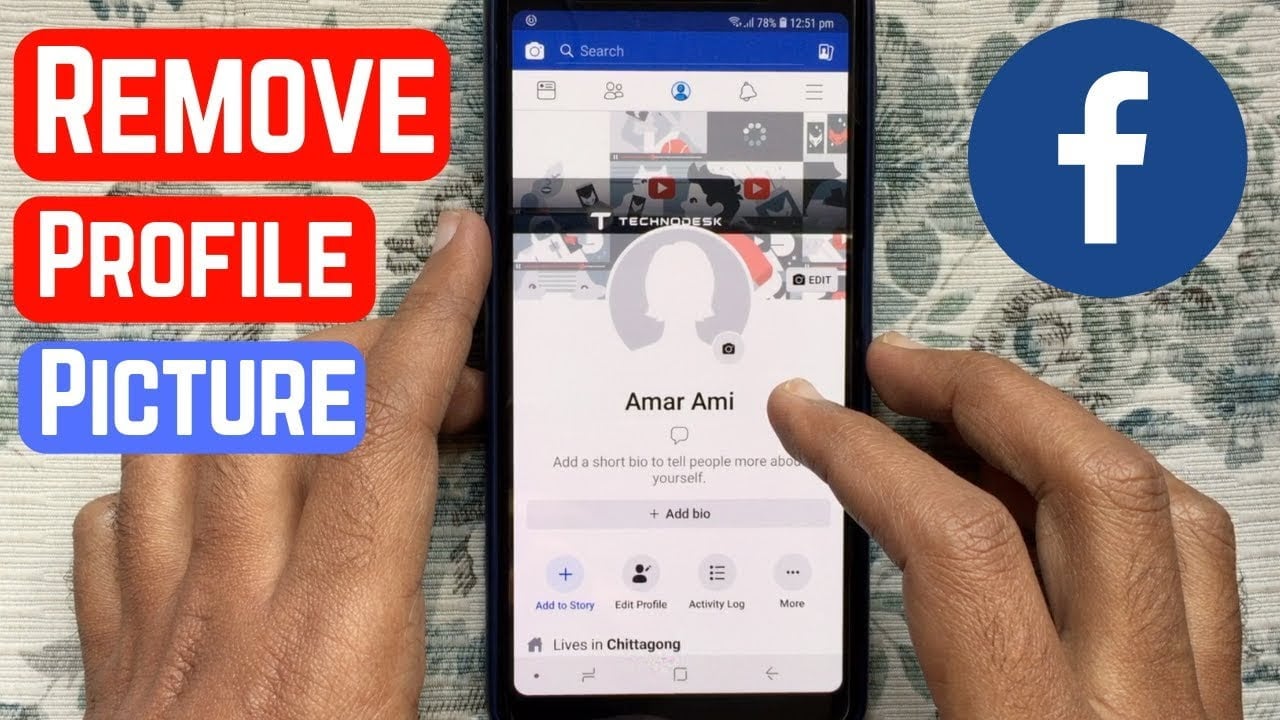
How to Remove Profile Picture in Facebook
How to Remove Profile Picture in Facebook You can delete, hide, or…

Taking a break from someone on Facebook

If you have a hard time letting go, Facebook offers a handy feature called ‘breaking up’. This feature allows you to delete your previous posts and tagged content, and it also makes it impossible to find them later. After a break, you can always re-follow the person if you wish to reconnect with them again. This may interest you : Can You Still Play Candy Crush on Facebook?. This feature is not as powerful as blocking an entire person’s posts from the timeline, but it’s still worth a shot.

Taking a break from someone on Facebook works well if you are feeling overwhelmed by someone’s constant updates. It’s much safer than blocking or unfriending someone. Taking a break from someone’s news feed will let you maintain your sanity, and it’s a good way to stay out of their way while maintaining your friendship. Taking a break will prevent you from seeing the person’s posts for a while, and you can unfollow them anytime you wish.

See the article :
What Happened to Candy Crush on Facebook 2022?
What Happened to Candy Crush on Facebook 2022? If you’re wondering what…

Limiting what that person can see on your timeline

Limiting what that person can see on your Facebook timeline is an easy way to limit their viewing privileges. You can choose whether they can see your posts or only those from people you’ve restricted to your specific profile list. The more specific you are, the more control you will have. Read also : What is the Facebook Pixel?. In this article, we’ll go over how to do just that. Read on to find out more! To limit the visibility of posts by specific people on your timeline, follow these steps.

First, you’ll need to make a list of people you’d like to block from seeing your posts. You can create a restricted list by clicking the “Restricted List” link in the ‘Settings’ menu on the left side of your news feed. Once you’ve created a list, you can add friends you’d like to see your posts. But remember that people on the list won’t be aware of their inclusion unless they add themselves.
To see also :
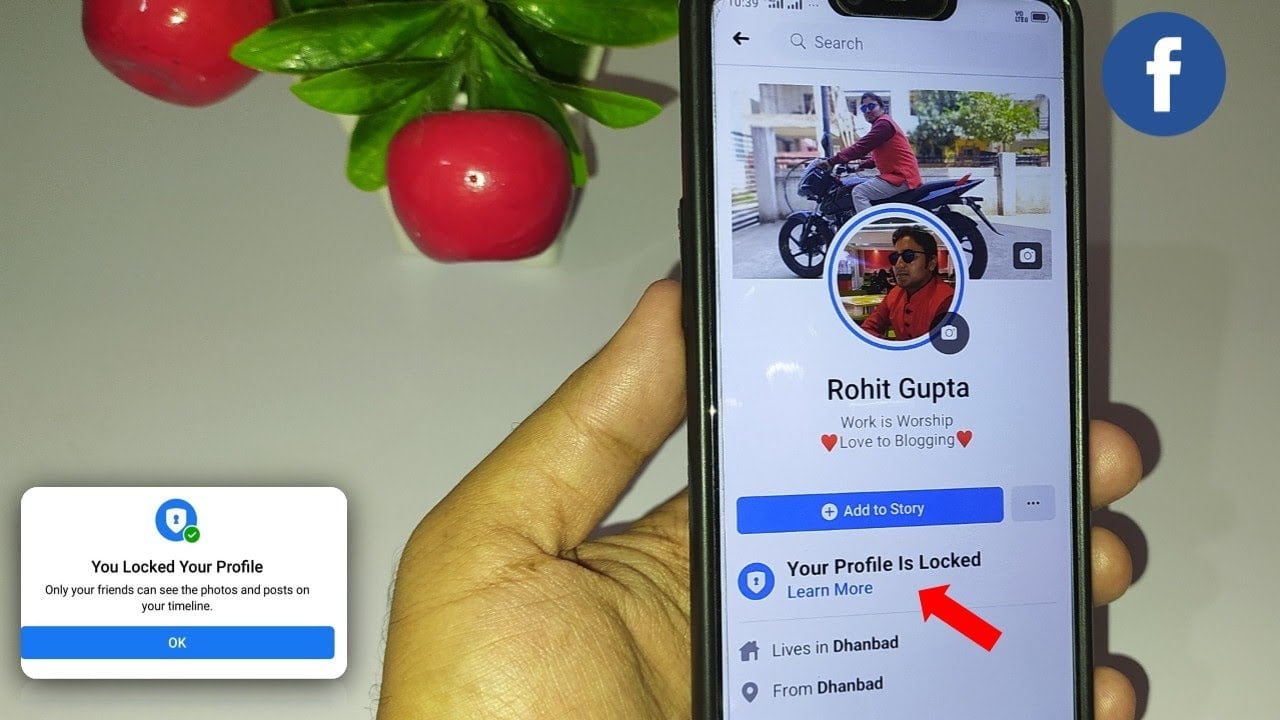
How to Lock Facebook Profile in Mobile
How to Lock Facebook Profile in Mobile You can lock your Facebook…

Reactivating your Facebook account

Reactivating your Facebook account after a hiatus is as easy as logging into your account and following a few simple steps. You’ll need your email address, password, and other sign-up information. Once you’ve logged in, you’ll see a screen asking you why you deactivated your account. Fill in the necessary information, and Facebook will restore your account. After that, all you need to do is change your settings to make it work again.

Deactivating your Facebook account will prevent the page from being visible to other people. Your profile and timeline will remain visible to friends, but your photos and messages will no longer be available. Your timeline will also be hidden from search engines and popular people-finder sites. If you decide to reactivate your account after a break, you’ll never have to worry about losing any of your data. Here’s how to deactivate your Facebook account after a break:

Reminding yourself why you’re taking a break

If you’re considering taking a break from Facebook, you should first evaluate your reasons for doing so. Perhaps you’re fed up with political arguments, feel pressure to keep up with friends’ lives, or are traveling without access to reliable internet. Whatever your reasons, make sure you remember them when you return to the social network. In addition, set a goal for how long you’ll be away from Facebook. At a minimum, two weeks is a sufficient time to see changes in your life and how you’re feeling towards Facebook.

Take a break from Facebook at least once a year. Facebook breaks are especially effective if you’re dealing with a time when you’re feeling overwhelmed. You can tell whether you’re feeling overwhelmed by social media by noticing how you react afterward. You may be irritable or fixated with a particular post you saw, or you may have trouble concentrating.


Related Posts:

  • How to Unfriend on Facebook
  • How to Take a Break From Facebook
  • How to Take a Break From Someone on Facebook
  • What Does Take a Break Mean on Facebook?
  • How to Delete Someone From Facebook
  • How to Hide Your Friends on Facebook
Was this article helpful?
YesNo

You might also like

Troubleshooting Instagram Posting Issues

Troubleshooting Instagram Posting Issues

How to Post Multiple Photos on Instagram Without Cropping – The Ultimate Guide

How to Post Multiple Photos on Instagram Without Cropping – The Ultimate Guide

How Do I View My Instagram Likes on My PC?

How Do I View My Instagram Likes on My PC?

How to Pause Reels in Instagram

How to Pause Reels in Instagram

How to Make Instagram Bio Center

How to Get Verified on YouTube: How to Speed Up the Process

How to Get Verified on YouTube: How to Speed Up the Process

Categories

  • Facebook
  • General
  • Instagram
  • LinkedIn
  • Marketing
  • Pinterest
  • Social Media
  • TikTok
  • Twitter
  • YouTube


Making Your Brands Popular.

(347) 875-0972

[email protected]

© 2024 Zeru.
All Rights Reserved.

DMCA.com Protection Status

Instagram Services

  • Buy Instagram Followers
  • Buy Instagram Likes
  • Buy Instagram Views
  • Buy Instagram Comments

YouTube Services

  • Buy YouTube Views
  • Buy YouTube Subscribers
  • Buy YouTube Likes
  • Buy YouTube Comments

TikTok Services

  • Buy TikTok Followers
  • Buy TikTok Likes
  • Buy TikTok Views

Facebook Services

  • Buy Facebook Page Likes
  • Buy Facebook Followers
  • Buy Facebook Post Likes
  • Buy Facebook Views

Twitter Services

  • Buy Twitter Followers
  • Buy Twitter Likes
  • Buy Twitter Retweets

Quick Links

  • FAQ
  • Blog
  • Contact
  • About
  • Terms and Conditions
  • Privacy Policy
No Result
View All Result
  • Buy Followers
    • Instagram Services
      • Buy Instagram Followers
      • Buy Instagram Likes
      • Buy Instagram Views
      • Buy Instagram Comments
    • YouTube Services
      • Buy YouTube Views
      • Buy YouTube Subscribers
      • Buy YouTube Likes
      • Buy YouTube Comments
    • TikTok Services
      • Buy TikTok Followers
      • Buy TikTok Likes
      • Buy TikTok Views
    • Facebook Services
      • Buy Facebook Page Likes
      • Buy Facebook Followers
      • Buy Facebook Post Likes
      • Buy Facebook Views
    • Twitter Services
      • Buy Twitter Followers
      • Buy Twitter Likes
      • Buy Twitter Retweets
  • Blog
  • Categories
    • Instagram
    • YouTube
    • TikTok
    • Facebook
    • Twitter
  • Contact

© 2023 Zeru. All Rights Reserved.

Welcome Back!

Login to your account below

Forgotten Password?

Create New Account!

Fill the forms bellow to register

All fields are required. Log In

Retrieve your password

Please enter your username or email address to reset your password.

Log In





