






• Buy Followers
    • Instagram Services
      • Buy Instagram Followers
      • Buy Instagram Likes
      • Buy Instagram Views
      • Buy Instagram Comments
    • YouTube Services
      • Buy YouTube Views
      • Buy YouTube Subscribers
      • Buy YouTube Likes
      • Buy YouTube Comments
    • TikTok Services
      • Buy TikTok Followers
      • Buy TikTok Likes
      • Buy TikTok Views
    • Facebook Services
      • Buy Facebook Page Likes
      • Buy Facebook Followers
      • Buy Facebook Post Likes
      • Buy Facebook Views
    • Twitter Services
      • Buy Twitter Followers
      • Buy Twitter Likes
      • Buy Twitter Retweets
  • Blog
  • Categories
    • Instagram
    • YouTube
    • TikTok
    • Facebook
    • Twitter
  • Contact
No Result
View All Result
Zeru
  • Buy Followers
    • Instagram Services
      • Buy Instagram Followers
      • Buy Instagram Likes
      • Buy Instagram Views
      • Buy Instagram Comments
    • YouTube Services
      • Buy YouTube Views
      • Buy YouTube Subscribers
      • Buy YouTube Likes
      • Buy YouTube Comments
    • TikTok Services
      • Buy TikTok Followers
      • Buy TikTok Likes
      • Buy TikTok Views
    • Facebook Services
      • Buy Facebook Page Likes
      • Buy Facebook Followers
      • Buy Facebook Post Likes
      • Buy Facebook Views
    • Twitter Services
      • Buy Twitter Followers
      • Buy Twitter Likes
      • Buy Twitter Retweets
  • Blog
  • Categories
    • Instagram
    • YouTube
    • TikTok
    • Facebook
    • Twitter
  • Contact
No Result
View All Result
Zeru
No Result
View All Result

Popular Services

Buy YouTube Views
Buy TikTok Followers
Buy Twitter Followers
Buy Facebook Followers
Buy Instagram Likes
Buy TikTok Likes
Buy Instagram Views
Buy TikTok Views
Buy Instagram Comments
Buy YouTube Likes
Buy Twitter Likes
Buy YouTube Comments
Buy Facebook Views
Buy Facebook Page Likes
Buy Twitter Retweets
Buy Facebook Post Likes
Buy YouTube Subscribers
Buy Instagram Followers

How to Save Drafts on TikTok

Lizzie Yates by Lizzie Yates
in TikTok
3 min read
72
How to Save Drafts on TikTok
15
SHARES
1.5k
VIEWS
Share on FacebookShare on Twitter

Contents

  • How to Save Drafts on TikTok
  • Editing a draft in TikTok
  • Saving a draft in TikTok
  • Finding a draft in TikTok
  • Saving a draft in TikTok without watermarks

How to Save Drafts on TikTok

how to save drafts on tiktok

If you haven’t figured out how to save drafts on TikTok yet, you’re in luck! Here’s how to find and save your drafts, and get rid of watermarks. The most important thing is timing. You want to upload your video at the best time possible to make sure it’s still relevant and useful. For example, if you’re planning to make a parody video of a comic character, you might want to post it right after a movie based on that comic character is released.

Editing a draft in TikTok

If you are having trouble posting a new TikTok video, don’t worry! There are several ways to edit your video. You can add captions, stickers, filters, and effects. You can also delete the video. To see also : How to Put Text on Your TikTok Videos. Just follow the steps below. Once you’ve uploaded your video, you can easily edit it and share it with friends. However, editing a draft is not the same as deleting the entire app.

If you accidentally delete a draft in TikTok, you don’t have to worry because it’s saved on your device. You can even save it to your gallery if you don’t want to post it. To do this, simply press and hold your draft, then select “Save Draft” from the menu. After saving the draft, you can upload it to your TikTok account without having to post it.

On the same subject :
What Does the Emoji on TikTok Mean?
What Does the Emoji on TikTok Mean? If you’re wondering what an…

Saving a draft in TikTok

If you want to make a new video on the go but are not sure what to post or edit, you can save a draft in TikTok. Draft videos are stored in your phone’s gallery in the TikTok folder. On the same subject : When the Sun Goes Down, a Good Tune is the Soundtrack to the Night. After saving a draft video, you can use the app’s editing features to tweak and customize the video, and then publish it or download it. If you want to post a new video, you can always return to the draft version.

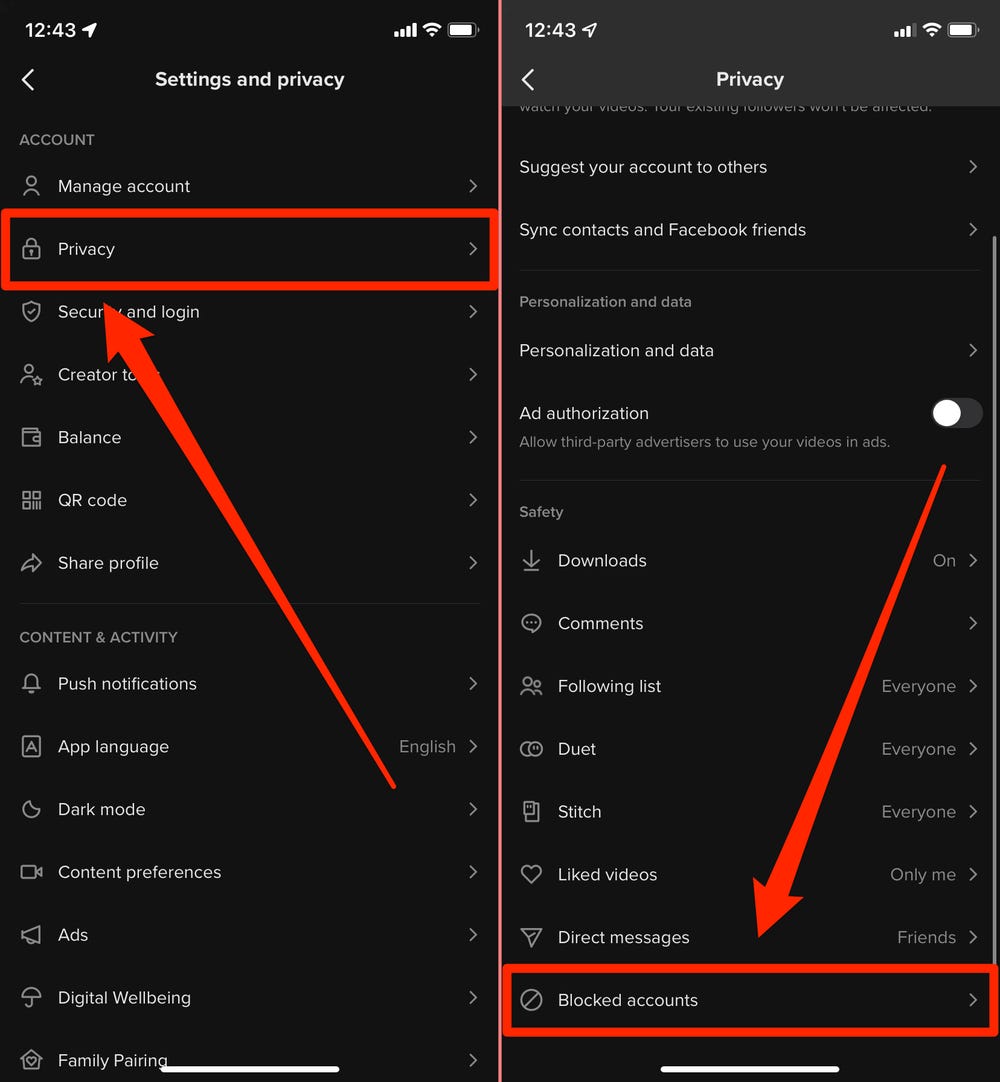
In order to save a draft in TikTok, you must first turn your device over and tap on the three horizontal lines in the top left corner. Select ‘My Story’ from the drop-down menu that appears. After that, choose an album that’s highlighted in blue. Scroll down until you see a draft folder. Tap on the draft that you want to save. Once saved, you can edit the draft and post it in TikTok.
To see also :
What Are Good Ideas For TikTok?
What Are Good Ideas For TikTok? As a TikTok account owner, you…

Finding a draft in TikTok

If you’re new to the world of TikTok, you may wonder where your half-completed videos are. Maybe you’ve had a device malfunction or closed the app before finishing your video. Whatever the case, this guide will help you find your drafts. To see also : How to Remove Filters From a TikTok Video. Here are the steps you need to take. We’ll cover all the steps involved and explain why you might need to back up your videos.

First, open the TikTok application. Tap the “+” option on the home screen or app drawer. The white music note icon should appear in the feed section. Tap it once to open. In the feed section, tap the “+” option on the bottom right. This will bring you to the Edit screen where you can make changes to your video. After making changes, tap “Publish” to share your video. It will be posted within 24 hours.

To see also :
How Do I Change Video Quality on TikTok?
How Do I Change Video Quality on TikTok? If you are wondering…

Saving a draft in TikTok without watermarks

You may wonder how to save a draft in TikTok without having to deal with watermarks. Well, this is possible, as there are ways to save a video without being tagged. For starters, you can save the draft to your camera roll or photo album. From there, you can send it to friends or edit it using an online video editor. However, you may not be able to delete the watermarks once you have posted it to TikTok.

When you save a draft in TikTok, the watermarks will be removed from the video. This is great, as it means that other users won’t be able to share your video, and your friends won’t be able to see it unless they give you permission. However, if someone steals your video, the problem could get worse. If you want to save your TikTok draft without watermarks, you must post it on the site first.


Related Posts:

  • How to Delete a Draft on TikTok
  • How to Save a TikTok Draft
  • How to Get to Drafts on TikTok
  • How to Save TikTok Drafts
  • How to Access Drafts on Instagram
  • How to Save TikTok Drafts to Camera Roll
Was this article helpful?
YesNo

You might also like

Troubleshooting Instagram Posting Issues

Troubleshooting Instagram Posting Issues

How to Post Multiple Photos on Instagram Without Cropping – The Ultimate Guide

How to Post Multiple Photos on Instagram Without Cropping – The Ultimate Guide

How Do I View My Instagram Likes on My PC?

How Do I View My Instagram Likes on My PC?

How to Pause Reels in Instagram

How to Pause Reels in Instagram

How to Make Instagram Bio Center

How to Get Verified on YouTube: How to Speed Up the Process

How to Get Verified on YouTube: How to Speed Up the Process

Categories

  • Facebook
  • General
  • Instagram
  • LinkedIn
  • Marketing
  • Pinterest
  • Social Media
  • TikTok
  • Twitter
  • YouTube


Making Your Brands Popular.

(347) 875-0972

[email protected]

© 2024 Zeru.
All Rights Reserved.

DMCA.com Protection Status

Instagram Services

  • Buy Instagram Followers
  • Buy Instagram Likes
  • Buy Instagram Views
  • Buy Instagram Comments

YouTube Services

  • Buy YouTube Views
  • Buy YouTube Subscribers
  • Buy YouTube Likes
  • Buy YouTube Comments

TikTok Services

  • Buy TikTok Followers
  • Buy TikTok Likes
  • Buy TikTok Views

Facebook Services

  • Buy Facebook Page Likes
  • Buy Facebook Followers
  • Buy Facebook Post Likes
  • Buy Facebook Views

Twitter Services

  • Buy Twitter Followers
  • Buy Twitter Likes
  • Buy Twitter Retweets

Quick Links

  • FAQ
  • Blog
  • Contact
  • About
  • Terms and Conditions
  • Privacy Policy
No Result
View All Result
  • Buy Followers
    • Instagram Services
      • Buy Instagram Followers
      • Buy Instagram Likes
      • Buy Instagram Views
      • Buy Instagram Comments
    • YouTube Services
      • Buy YouTube Views
      • Buy YouTube Subscribers
      • Buy YouTube Likes
      • Buy YouTube Comments
    • TikTok Services
      • Buy TikTok Followers
      • Buy TikTok Likes
      • Buy TikTok Views
    • Facebook Services
      • Buy Facebook Page Likes
      • Buy Facebook Followers
      • Buy Facebook Post Likes
      • Buy Facebook Views
    • Twitter Services
      • Buy Twitter Followers
      • Buy Twitter Likes
      • Buy Twitter Retweets
  • Blog
  • Categories
    • Instagram
    • YouTube
    • TikTok
    • Facebook
    • Twitter
  • Contact

© 2023 Zeru. All Rights Reserved.

Welcome Back!

Login to your account below

Forgotten Password?

Create New Account!

Fill the forms bellow to register

All fields are required. Log In

Retrieve your password

Please enter your username or email address to reset your password.

Log In





