






• Buy Followers
    • Instagram Services
      • Buy Instagram Followers
      • Buy Instagram Likes
      • Buy Instagram Views
      • Buy Instagram Comments
    • YouTube Services
      • Buy YouTube Views
      • Buy YouTube Subscribers
      • Buy YouTube Likes
      • Buy YouTube Comments
    • TikTok Services
      • Buy TikTok Followers
      • Buy TikTok Likes
      • Buy TikTok Views
    • Facebook Services
      • Buy Facebook Page Likes
      • Buy Facebook Followers
      • Buy Facebook Post Likes
      • Buy Facebook Views
    • Twitter Services
      • Buy Twitter Followers
      • Buy Twitter Likes
      • Buy Twitter Retweets
  • Blog
  • Categories
    • Instagram
    • YouTube
    • TikTok
    • Facebook
    • Twitter
  • Contact
No Result
View All Result
Zeru
  • Buy Followers
    • Instagram Services
      • Buy Instagram Followers
      • Buy Instagram Likes
      • Buy Instagram Views
      • Buy Instagram Comments
    • YouTube Services
      • Buy YouTube Views
      • Buy YouTube Subscribers
      • Buy YouTube Likes
      • Buy YouTube Comments
    • TikTok Services
      • Buy TikTok Followers
      • Buy TikTok Likes
      • Buy TikTok Views
    • Facebook Services
      • Buy Facebook Page Likes
      • Buy Facebook Followers
      • Buy Facebook Post Likes
      • Buy Facebook Views
    • Twitter Services
      • Buy Twitter Followers
      • Buy Twitter Likes
      • Buy Twitter Retweets
  • Blog
  • Categories
    • Instagram
    • YouTube
    • TikTok
    • Facebook
    • Twitter
  • Contact
No Result
View All Result
Zeru
No Result
View All Result

Popular Services

Buy YouTube Views
Buy TikTok Followers
Buy Twitter Followers
Buy Facebook Followers
Buy Instagram Likes
Buy TikTok Likes
Buy Instagram Views
Buy TikTok Views
Buy Instagram Comments
Buy YouTube Likes
Buy Twitter Likes
Buy YouTube Comments
Buy Facebook Views
Buy Facebook Page Likes
Buy Twitter Retweets
Buy Facebook Post Likes
Buy YouTube Subscribers
Buy Instagram Followers

How to Make Your Account Private on Facebook

Lizzie Yates by Lizzie Yates
in Facebook
3 min read
67
How to Make Your Account Private on Facebook
14
SHARES
1.4k
VIEWS
Share on FacebookShare on Twitter

Contents

  • How to Make Your Account Private on Facebook
  • Friends list
  • Restricted list
  • Search engine visibility
  • Blocking search engines from seeing your profile

How to Make Your Account Private on Facebook

how to make your account private on facebook

If you are wondering how to make your account private on Facebook, you’ve come to the right place. You can choose from the various privacy settings. For complete privacy, you should set “Only me” as your choice, while a limited privacy setting will only allow friends and a few select people to see your profile. To limit privacy to a certain level, you can select “Friends and family only” or “Restricted list.”

Friends list

If you want to keep your Facebook friends list private, you can do this by editing your profile settings. Facebook has several settings for limiting what information you share with others. You can choose to display your list to friends only, friends except, or no one at all. Read also : How to Change Age on Facebook. Then only the people you choose can see your list. This is a good way to control the visibility of your friends list without compromising your privacy.

To hide your friends list from others, you need to change your privacy settings. Facebook allows you to set who can view your list. You can choose to allow only certain people to view it, or make it public for everyone. There are also different levels of privacy. You can choose to share your list with only your friends or make it private for everybody. You will also want to choose the people who can see your friend’s list.
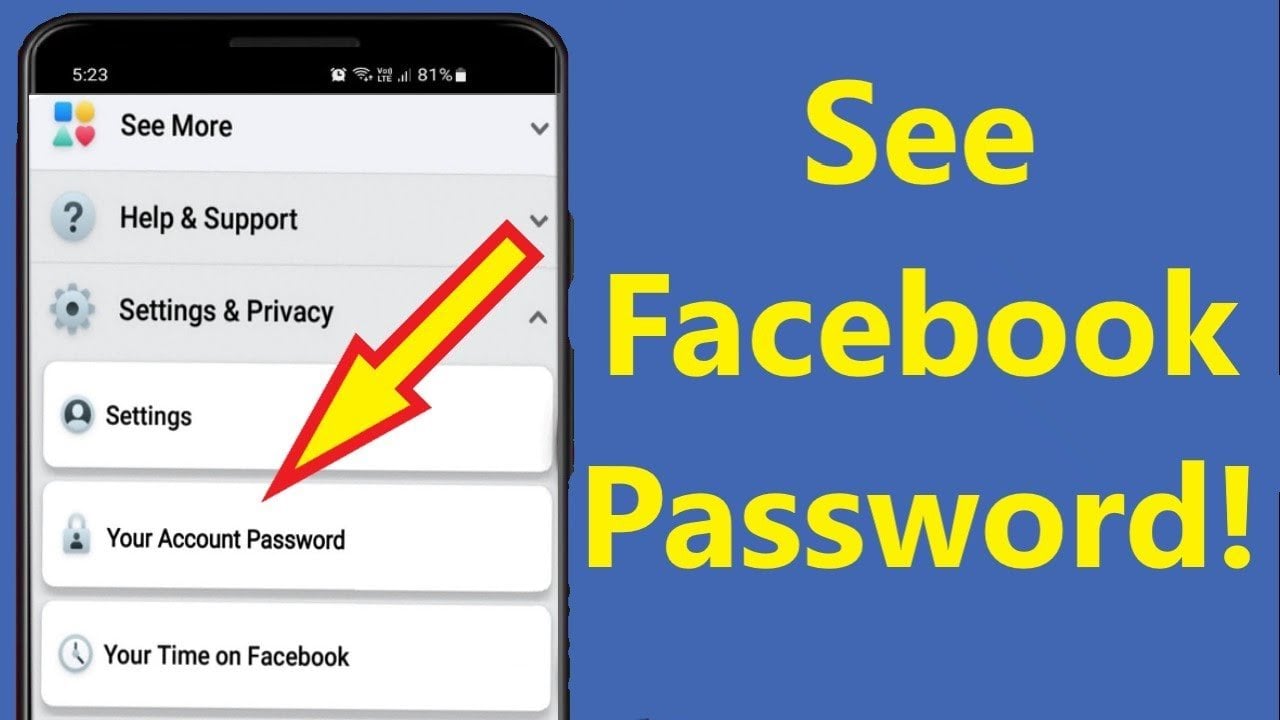
See the article :
How to Get Facebook URL
How to Get Facebook URL A Facebook url is the website address…

Restricted list

Adding friends to the “Restricted list” is an easy way to restrict the activities of others on Facebook. Restricted list users are not notified of their restriction. They can still message you or reach you via Messenger. To see also : How to Schedule a Post on Facebook. To find friends on the list, you must first open the Facebook app on your computer or mobile device and then click “Edit” on the top right corner of your screen. Alternatively, you can also search for them by name.

However, keep in mind that nothing you post is truly private. Even if you post it on Facebook with the privacy setting “Friends,” you never know when it could be exposed by a hacker or fluke. If someone copies the screenshot, it could become public. It may not be worth the risk. To avoid these dangers, you should keep the information you share to yourself. You should never share sensitive information on Facebook.

See the article :
What Size is a Facebook Event Cover Photo in 2022?
What Size is a Facebook Event Cover Photo in 2022? Despite its…

Search engine visibility

If you’re wondering how to make your account private on Facebook to improve your search engine visibility, you’re not alone. Facebook makes it easy to make your profile visible to other users, but there are many benefits to making it private. People can view your profile, contact you, and send you friend requests. To see also : How to Turn Off Active Status on Facebook. If you’re promoting a private business, blocking your profile is a great way to moderate ongoing interactivity. To make your account private, go to the About tab, click “Edit Profile,” and select the option “Make Profile Private.” You can also edit the name and email address in this section.

The second step in the process is to turn off your profile from being viewed by others. While many Facebook users don’t realize it, public profiles are still visible to people you share mutual friends with. But if you want to make your profile private from search engines, you can follow a few simple steps. To make your account private on Facebook, navigate to the “Privacy” page. Click “Edit” next to “Privacy” and then click the “On” button.

See the article :
How to Delete Facebook History
How to Delete Facebook History If you are wondering how to delete…

Blocking search engines from seeing your profile

One of the ways to protect your privacy on Facebook is by blocking search engines from finding your profile. By default, Facebook allows search engines to index your profile and any publicly visible information. However, if you’re concerned that your profile is being viewed by unwanted people, you can turn off this feature. To do so, simply sign in to Facebook. Once you’ve logged in, choose the Privacy option and click the blue “Edit” button. Once you’ve made this change, click the “Close” button and you’re good to go.

After selecting the Privacy Settings section, you’ll want to select the option that will disable search engine links. This setting allows you to decide who can see your posts. Depending on the setting, you may be able to hide some posts from certain friends. Simply select the friends who shouldn’t see the posts from these friends. Save your changes to block search engines from seeing your profile. The change takes a little while to take effect.


Related Posts:

  • How to Hide Your Friends List on Facebook
  • How to Hide Friend List on Facebook
  • How to Make Your Facebook Account Private
  • How to Hide Your Friends List on Facebook
  • How to Private Friends List on Facebook
  • How to Private Facebook
Was this article helpful?
YesNo

You might also like

Troubleshooting Instagram Posting Issues

Troubleshooting Instagram Posting Issues

How to Post Multiple Photos on Instagram Without Cropping – The Ultimate Guide

How to Post Multiple Photos on Instagram Without Cropping – The Ultimate Guide

How Do I View My Instagram Likes on My PC?

How Do I View My Instagram Likes on My PC?

How to Pause Reels in Instagram

How to Pause Reels in Instagram

How to Make Instagram Bio Center

How to Get Verified on YouTube: How to Speed Up the Process

How to Get Verified on YouTube: How to Speed Up the Process

Categories

  • Facebook
  • General
  • Instagram
  • LinkedIn
  • Marketing
  • Pinterest
  • Social Media
  • TikTok
  • Twitter
  • YouTube


Making Your Brands Popular.

(347) 875-0972

[email protected]

© 2024 Zeru.
All Rights Reserved.

DMCA.com Protection Status

Instagram Services

  • Buy Instagram Followers
  • Buy Instagram Likes
  • Buy Instagram Views
  • Buy Instagram Comments

YouTube Services

  • Buy YouTube Views
  • Buy YouTube Subscribers
  • Buy YouTube Likes
  • Buy YouTube Comments

TikTok Services

  • Buy TikTok Followers
  • Buy TikTok Likes
  • Buy TikTok Views

Facebook Services

  • Buy Facebook Page Likes
  • Buy Facebook Followers
  • Buy Facebook Post Likes
  • Buy Facebook Views

Twitter Services

  • Buy Twitter Followers
  • Buy Twitter Likes
  • Buy Twitter Retweets

Quick Links

  • FAQ
  • Blog
  • Contact
  • About
  • Terms and Conditions
  • Privacy Policy
No Result
View All Result
  • Buy Followers
    • Instagram Services
      • Buy Instagram Followers
      • Buy Instagram Likes
      • Buy Instagram Views
      • Buy Instagram Comments
    • YouTube Services
      • Buy YouTube Views
      • Buy YouTube Subscribers
      • Buy YouTube Likes
      • Buy YouTube Comments
    • TikTok Services
      • Buy TikTok Followers
      • Buy TikTok Likes
      • Buy TikTok Views
    • Facebook Services
      • Buy Facebook Page Likes
      • Buy Facebook Followers
      • Buy Facebook Post Likes
      • Buy Facebook Views
    • Twitter Services
      • Buy Twitter Followers
      • Buy Twitter Likes
      • Buy Twitter Retweets
  • Blog
  • Categories
    • Instagram
    • YouTube
    • TikTok
    • Facebook
    • Twitter
  • Contact

© 2023 Zeru. All Rights Reserved.

Welcome Back!

Login to your account below

Forgotten Password?

Create New Account!

Fill the forms bellow to register

All fields are required. Log In

Retrieve your password

Please enter your username or email address to reset your password.

Log In





