






• Buy Followers
    • Instagram Services
      • Buy Instagram Followers
      • Buy Instagram Likes
      • Buy Instagram Views
      • Buy Instagram Comments
    • YouTube Services
      • Buy YouTube Views
      • Buy YouTube Subscribers
      • Buy YouTube Likes
      • Buy YouTube Comments
    • TikTok Services
      • Buy TikTok Followers
      • Buy TikTok Likes
      • Buy TikTok Views
    • Facebook Services
      • Buy Facebook Page Likes
      • Buy Facebook Followers
      • Buy Facebook Post Likes
      • Buy Facebook Views
    • Twitter Services
      • Buy Twitter Followers
      • Buy Twitter Likes
      • Buy Twitter Retweets
  • Blog
  • Categories
    • Instagram
    • YouTube
    • TikTok
    • Facebook
    • Twitter
  • Contact
No Result
View All Result
Zeru
  • Buy Followers
    • Instagram Services
      • Buy Instagram Followers
      • Buy Instagram Likes
      • Buy Instagram Views
      • Buy Instagram Comments
    • YouTube Services
      • Buy YouTube Views
      • Buy YouTube Subscribers
      • Buy YouTube Likes
      • Buy YouTube Comments
    • TikTok Services
      • Buy TikTok Followers
      • Buy TikTok Likes
      • Buy TikTok Views
    • Facebook Services
      • Buy Facebook Page Likes
      • Buy Facebook Followers
      • Buy Facebook Post Likes
      • Buy Facebook Views
    • Twitter Services
      • Buy Twitter Followers
      • Buy Twitter Likes
      • Buy Twitter Retweets
  • Blog
  • Categories
    • Instagram
    • YouTube
    • TikTok
    • Facebook
    • Twitter
  • Contact
No Result
View All Result
Zeru
No Result
View All Result

Popular Services

Buy YouTube Views
Buy TikTok Followers
Buy Twitter Followers
Buy Facebook Followers
Buy Instagram Likes
Buy TikTok Likes
Buy Instagram Views
Buy TikTok Views
Buy Instagram Comments
Buy YouTube Likes
Buy Twitter Likes
Buy YouTube Comments
Buy Facebook Views
Buy Facebook Page Likes
Buy Twitter Retweets
Buy Facebook Post Likes
Buy YouTube Subscribers
Buy Instagram Followers

How to Change Twitter Settings

Lizzie Yates by Lizzie Yates
in Twitter
3 min read
69
How to Change Twitter Settings
14
SHARES
1.4k
VIEWS
Share on FacebookShare on Twitter

Contents

  • How to Change Twitter Settings
  • Turning off the sensitive content setting on Twitter
  • Activating SMS notifications
  • Changing personalization and data settings

How to Change Twitter Settings

how to change twitter settings

Among the many features of Twitter is the ability to customize the settings that govern your activity and privacy. You can set who can see your tweets, tag you, and send direct messages. Depending on your personal preferences, you may wish to alter your settings to limit who has access to your tweets and direct messages. This article outlines several ways to adjust these settings. If you want to modify Twitter’s privacy settings, read on to discover how.

Turning off the sensitive content setting on Twitter

If you’ve noticed that the social networking service restricts certain media on its website, you may want to consider turning off the sensitive content setting on your own Twitter account. While most devices require you to tap on the “profile” icon, you can also simply check the box to prevent others from viewing your tweets if they contain NSFW material. See the article : How Much Is Twitter Worth?. The only difference is that if you want to view sensitive content on your own Twitter account, you’ll have to do it from the settings menu.

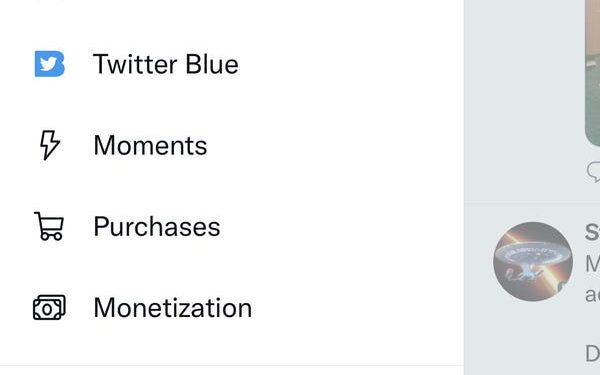
If you want to read your feed without the “Sensitive Content” warning, you can disable it on Twitter. The steps to turn off the setting are the same for iOS and Android. Open the profile menu and then choose “Settings.” Go to “Privacy”>”Content You See.”

If you’d prefer to not post sensitive content on Twitter, you can turn off the sensitive content setting. This will prevent Twitter from force-marking any static media you post. Once you turn off the sensitive content setting, images will remain sensitive. This setting will allow you to customize your Twitter feed without having to worry about anyone viewing sensitive content. Turning off the sensitive content setting on Twitter will allow you to see what your friends and followers are seeing, but you won’t be able to share them with your friends.
On the same subject :
How to Make a Banner for Twitter
How to Make a Banner for Twitter If you’ve never used a…

Activating SMS notifications

You can customize the notification settings of Twitter by adding sender information and the text you want to display in the message. Then, you can test the Zap and start using it immediately. If you don’t need this notification feature right away, you can always edit and delete it later. Read also : How to Dark Mode on Twitter – Is it Worth it?. To activate SMS notifications, simply follow the same instructions as described above. But before you do that, make sure you’ve activated your mobile phone’s SMS service.

Activating SMS notifications in Twitter settings requires you to add your mobile phone. You can then choose to receive notifications by SMS or through the web. Once you’ve verified your number, you can then choose between notifications via SMS or by text. You can also choose to receive notifications on certain days or hours. The shortcode for the Twitter service is different for each country, so check your carrier’s website for details. When you receive the notification, you need to text “START” to the designated shortcode.

Activating SMS notifications in Twitter settings is easy and convenient. Simply text GO to 40404 to activate the SMS feature. Standard data rates will apply. After you activate SMS notifications, you can now send and receive Tweets via SMS. To prevent unwanted messages, make sure you update the app to the latest version. It will give you a message when you receive a new tweet from a user via SMS, as well as the time and date when the notification was sent.

To see also :
How to Enable Tips on Twitter
How to Enable Tips on Twitter You may have asked yourself: How…

Changing personalization and data settings

If you want to stop Twitter from using your personal information for advertising purposes, you can change your privacy settings. You can disable certain features, such as “inferred identity” and “location,” which are used by advertisers. To see also : How to Make Money on Twitter. Alternatively, you can disable all of these features to ensure that you don’t receive advertisements tailored to your interests. Twitter will still show you advertisements based on topics you’re known for, but you can choose to block certain types of advertising.

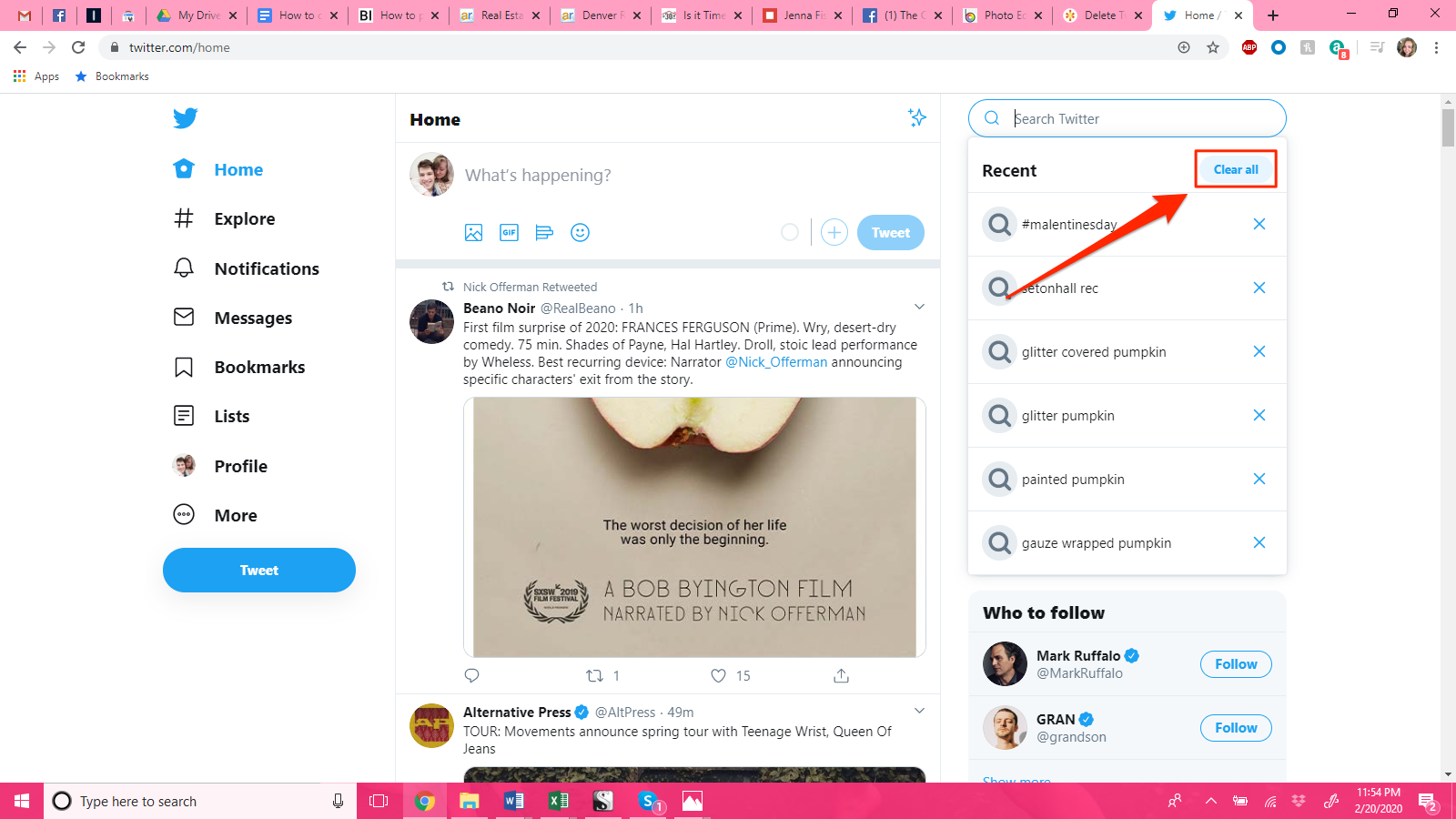
Twitter uses this information to direct relevant ads to you based on your offline behavior. This can lead to misleading ads and unwanted tracking, so if you’re interested in not receiving ads based on your offline behavior, change your settings to opt-out. To change your personalization and data settings, visit your account’s settings page. On the Settings page, tap on “Account Information” and “Ads.” From there, select the categories that you no longer want Twitter to track.

Once you’re done selecting a few topics to restrict from your feed, you’re ready to change your settings. You can disable the inferred interests of your partners and customized audiences, and opt-out of all data sharing. The options are easy to find, but it can be confusing. Just follow these steps and you’ll be in a better position to control Twitter’s advertising and personalization efforts.


See the article :
How to Do Twitter Circles
How to Do Twitter Circles The Close Friends feature of Twitter has…

Related Posts:

  • How to Change Privacy Setting on Twitter
  • How to See Sensitive Content on Twitter
  • How Do I Change My Privacy Settings on Twitter?
  • How Can I See Sensitive Content on Twitter?
  • How to Change Search Settings on Twitter
  • How to Change Sensitive Media Settings on Twitter
Was this article helpful?
YesNo

You might also like

Troubleshooting Instagram Posting Issues

Troubleshooting Instagram Posting Issues

How to Post Multiple Photos on Instagram Without Cropping – The Ultimate Guide

How to Post Multiple Photos on Instagram Without Cropping – The Ultimate Guide

How Do I View My Instagram Likes on My PC?

How Do I View My Instagram Likes on My PC?

How to Pause Reels in Instagram

How to Pause Reels in Instagram

How to Make Instagram Bio Center

How to Get Verified on YouTube: How to Speed Up the Process

How to Get Verified on YouTube: How to Speed Up the Process

Categories

  • Facebook
  • General
  • Instagram
  • LinkedIn
  • Marketing
  • Pinterest
  • Social Media
  • TikTok
  • Twitter
  • YouTube


Making Your Brands Popular.

(347) 875-0972

[email protected]

© 2024 Zeru.
All Rights Reserved.

DMCA.com Protection Status

Instagram Services

  • Buy Instagram Followers
  • Buy Instagram Likes
  • Buy Instagram Views
  • Buy Instagram Comments

YouTube Services

  • Buy YouTube Views
  • Buy YouTube Subscribers
  • Buy YouTube Likes
  • Buy YouTube Comments

TikTok Services

  • Buy TikTok Followers
  • Buy TikTok Likes
  • Buy TikTok Views

Facebook Services

  • Buy Facebook Page Likes
  • Buy Facebook Followers
  • Buy Facebook Post Likes
  • Buy Facebook Views

Twitter Services

  • Buy Twitter Followers
  • Buy Twitter Likes
  • Buy Twitter Retweets

Quick Links

  • FAQ
  • Blog
  • Contact
  • About
  • Terms and Conditions
  • Privacy Policy
No Result
View All Result
  • Buy Followers
    • Instagram Services
      • Buy Instagram Followers
      • Buy Instagram Likes
      • Buy Instagram Views
      • Buy Instagram Comments
    • YouTube Services
      • Buy YouTube Views
      • Buy YouTube Subscribers
      • Buy YouTube Likes
      • Buy YouTube Comments
    • TikTok Services
      • Buy TikTok Followers
      • Buy TikTok Likes
      • Buy TikTok Views
    • Facebook Services
      • Buy Facebook Page Likes
      • Buy Facebook Followers
      • Buy Facebook Post Likes
      • Buy Facebook Views
    • Twitter Services
      • Buy Twitter Followers
      • Buy Twitter Likes
      • Buy Twitter Retweets
  • Blog
  • Categories
    • Instagram
    • YouTube
    • TikTok
    • Facebook
    • Twitter
  • Contact

© 2023 Zeru. All Rights Reserved.

Welcome Back!

Login to your account below

Forgotten Password?

Create New Account!

Fill the forms bellow to register

All fields are required. Log In

Retrieve your password

Please enter your username or email address to reset your password.

Log In






