






• Buy Followers
    • Instagram Services
      • Buy Instagram Followers
      • Buy Instagram Likes
      • Buy Instagram Views
      • Buy Instagram Comments
    • YouTube Services
      • Buy YouTube Views
      • Buy YouTube Subscribers
      • Buy YouTube Likes
      • Buy YouTube Comments
    • TikTok Services
      • Buy TikTok Followers
      • Buy TikTok Likes
      • Buy TikTok Views
    • Facebook Services
      • Buy Facebook Page Likes
      • Buy Facebook Followers
      • Buy Facebook Post Likes
      • Buy Facebook Views
    • Twitter Services
      • Buy Twitter Followers
      • Buy Twitter Likes
      • Buy Twitter Retweets
  • Blog
  • Categories
    • Instagram
    • YouTube
    • TikTok
    • Facebook
    • Twitter
  • Contact
No Result
View All Result
Zeru
  • Buy Followers
    • Instagram Services
      • Buy Instagram Followers
      • Buy Instagram Likes
      • Buy Instagram Views
      • Buy Instagram Comments
    • YouTube Services
      • Buy YouTube Views
      • Buy YouTube Subscribers
      • Buy YouTube Likes
      • Buy YouTube Comments
    • TikTok Services
      • Buy TikTok Followers
      • Buy TikTok Likes
      • Buy TikTok Views
    • Facebook Services
      • Buy Facebook Page Likes
      • Buy Facebook Followers
      • Buy Facebook Post Likes
      • Buy Facebook Views
    • Twitter Services
      • Buy Twitter Followers
      • Buy Twitter Likes
      • Buy Twitter Retweets
  • Blog
  • Categories
    • Instagram
    • YouTube
    • TikTok
    • Facebook
    • Twitter
  • Contact
No Result
View All Result
Zeru
No Result
View All Result

Popular Services

Buy YouTube Views
Buy TikTok Followers
Buy Twitter Followers
Buy Facebook Followers
Buy Instagram Likes
Buy TikTok Likes
Buy Instagram Views
Buy TikTok Views
Buy Instagram Comments
Buy YouTube Likes
Buy Twitter Likes
Buy YouTube Comments
Buy Facebook Views
Buy Facebook Page Likes
Buy Twitter Retweets
Buy Facebook Post Likes
Buy YouTube Subscribers
Buy Instagram Followers

How to Disable YouTube Shorts

Lizzie Yates by Lizzie Yates
in YouTube
3 min read
77
How to Disable YouTube Shorts
16
SHARES
1.6k
VIEWS
Share on FacebookShare on Twitter

Contents

  • How to Disable YouTube Shorts
  • YouTube Vanced
  • YouTube Settings
  • Turning off YouTube Shorts
  • Marking a YouTube Short as “Not interested”

How to Disable YouTube Shorts

how to disable youtube shorts

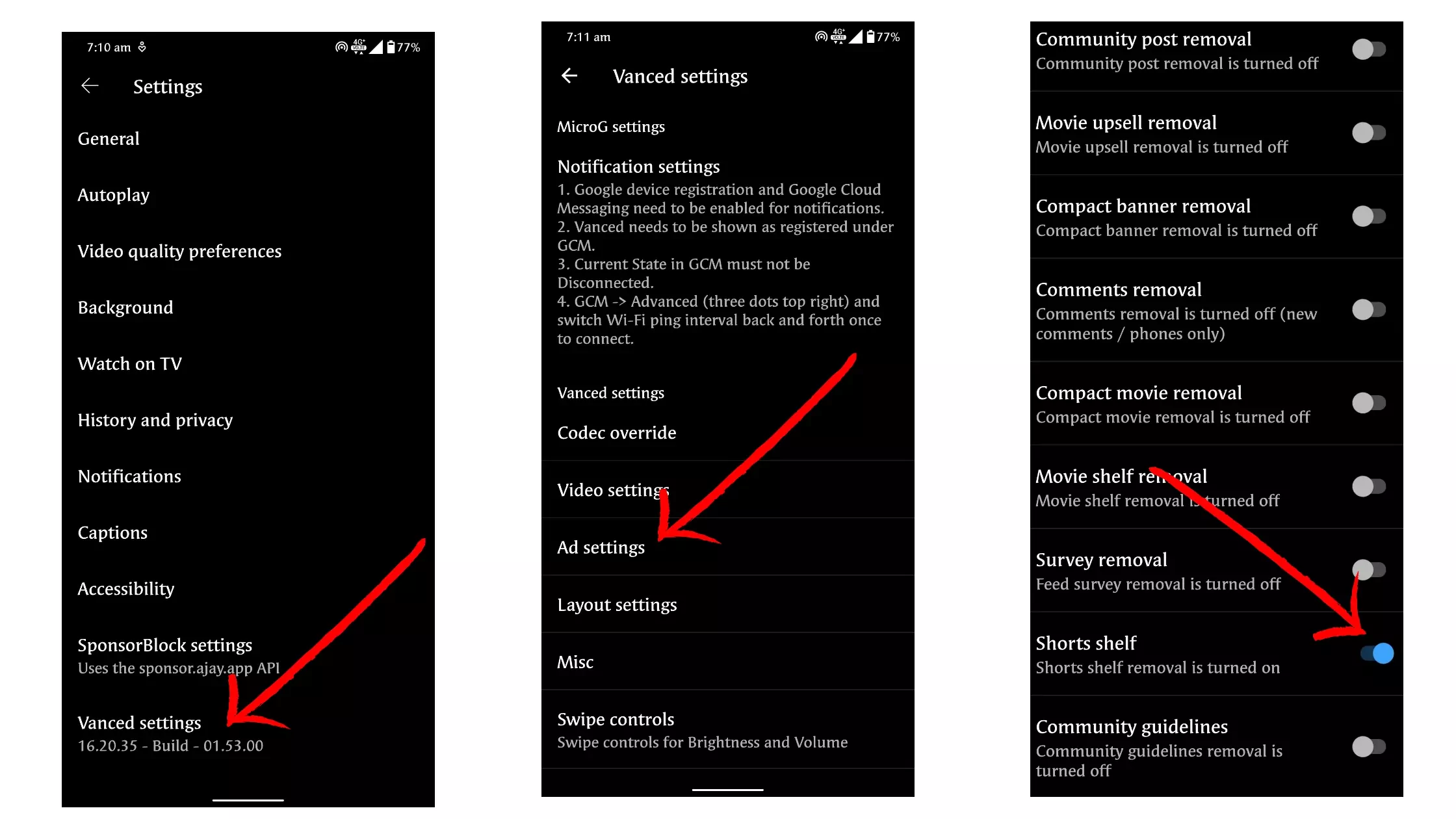
You may want to make YouTube shorts invisible or disabled. Here are a few easy steps to make your YouTube videos private. First, go to your YouTube account settings. In the “Shorts” section, click “Mark as not interested.”

YouTube Vanced

The “Vanced” app on your Android device is a great way to watch videos on YouTube without ads. Just go to the settings page of the app and select “Shorts”. This option is below the adblocking setting. Once you’ve opted out of ads, you can enjoy your videos without them. This may interest you : How Much Is YouTube Worth? Discover How You Can Make Money From YouTube. However, you must keep in mind that this app has some limitations. Some videos may only play in 1080p resolution on mobile devices.

For the best results, you’ll need to be connected to Wi-Fi in order to watch YouTube Vanced shorts. The app offers three different video quality settings. The default setting is 480p, but you’ll likely want to watch videos at a higher resolution. Whether you’re on a cellular network or connected to Wi-Fi, you can also choose to watch videos in the fastest resolution.
Read also :
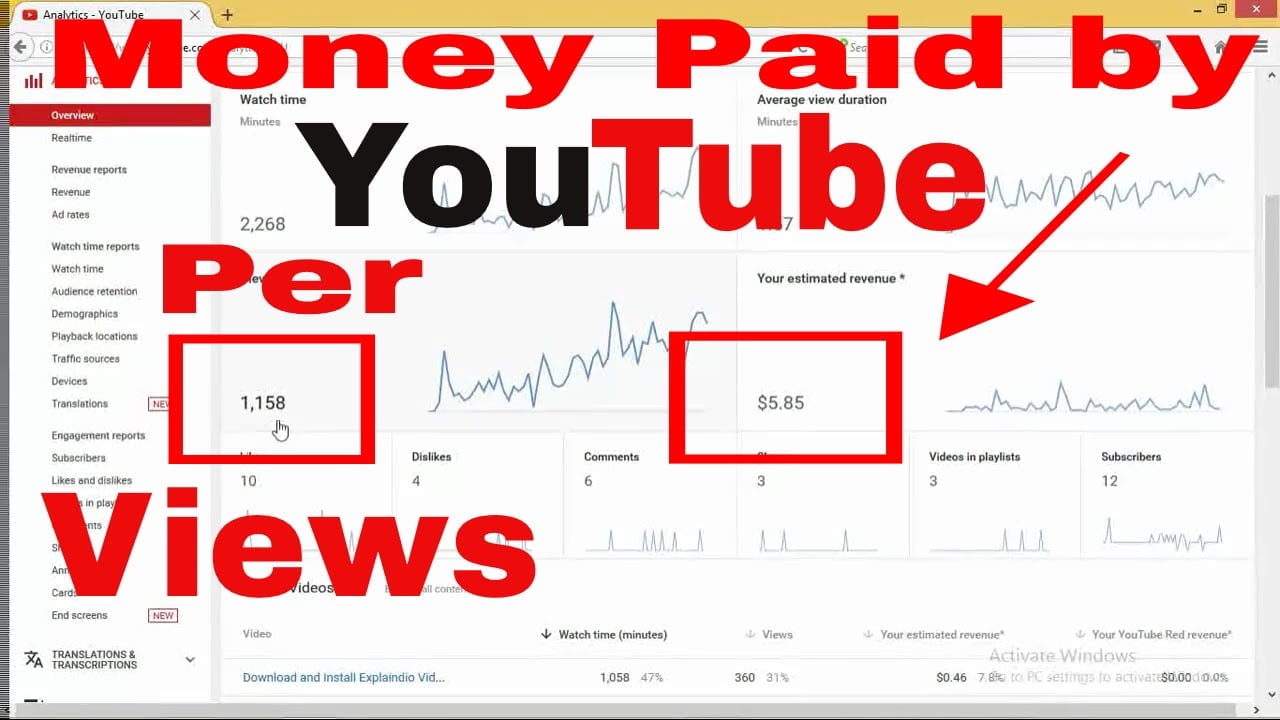
How Much Do You Make Per View on YouTube?
How Much Do You Make Per View on YouTube? If you’re looking…

YouTube Settings

If you’ve found that the “Shorts” section of your home feed is overflowing with ads, you may be wondering how to turn off these ads and see only videos you want to watch. The easiest way to do this is by going to your YouTube settings. See the article : How to Monetize Your YouTube Channel. Tap the Advanced tab, then click on the “Premium features” section. From here, you can turn off ads, YouTube shorts, stories, and sponsored content.

You can disable YouTube shorts using the YouTube app or the web version, but this feature is not yet available for every user. If you want to disable this feature in YouTube, you can do this by marking all Shorts clips as “Not Interested.” This will prevent the videos from showing up in your home feed for thirty days. This method works for both the YouTube app and the web version of YouTube. If you’d like to remove the ads completely, you can mark your favorite videos as “Not Interested” by clicking on the “Not Interested” button in the video section.
To see also :
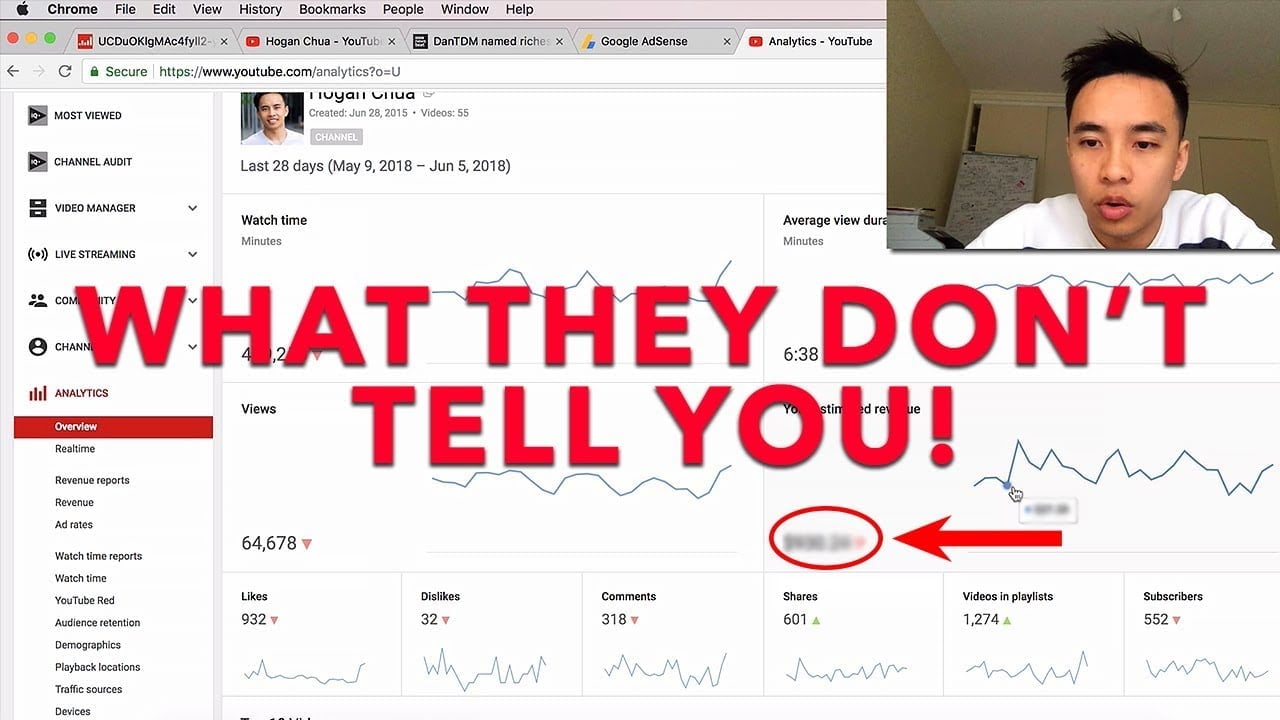
How Much Money Can You Make on YouTube?
How Much Money Can You Make on YouTube? If you want to…

Turning off YouTube Shorts

If you’d like to turn off comments on your YouTube Shorts, you’ll need to enable the feature. YouTube Shorts come with three settings for permissions: private, public, and anonymous. By default, comments are enabled. Read also : How Much Does YouTube Pay You Per View, Click, Watch, Or Subscriber?. However, if you’re under the age of 13, you can set the feature to private. If you’re a little more mature, you can choose public. You can also set your video to private, or make it unlisted.

To disable the Shorts feature, open the YouTube app and tap on the profile symbol at the top right corner. In the settings menu, tap on the “media” section. In the “video autoplay” section, find the toggle next to the option for YouTube shorts and toggle it off. If you’re using an older version of YouTube, you can disable this feature by installing a new factory-installed version.

To see also :
Is 1280×720 Good For YouTube?
Is 1280×720 Good For YouTube? If you want to upload a video…

Marking a YouTube Short as “Not interested”

You can mark a YouTube short as “Not interested” by hovering over the video player and clicking the three-dot icon. A drop-down menu will appear, and you can click it to remove it from the homepage. The short will no longer be listed in your homepage, but you can undo your decision by clicking the “Undo” button. If you reload the page, you will lose the opportunity to undo your action.

YouTube does not store this information by default, and you must explicitly mark a video as “Not interested” before it will disappear from your homepage. To do this, hover your mouse over the thumbnail of the video. Click on the “icon” that looks like three dots and select “Not interested”. The video will no longer appear on your homepage, so you can continue viewing it later. However, it’s important to note that marking a video as “Not interested” will remove it from your homepage, and you’ll lose your preference when it comes to recommendations.


Related Posts:

  • How to Remove YouTube Shorts From Your iPhone
  • How to Remove Shorts From YouTube
  • How to Turn Off YouTube Shorts
  • How to Disable Shorts on YouTube
  • How to Enable YouTube Shorts
  • How to Disable YouTube on iPhone
Was this article helpful?
YesNo

You might also like

Troubleshooting Instagram Posting Issues

Troubleshooting Instagram Posting Issues

How to Post Multiple Photos on Instagram Without Cropping – The Ultimate Guide

How to Post Multiple Photos on Instagram Without Cropping – The Ultimate Guide

How Do I View My Instagram Likes on My PC?

How Do I View My Instagram Likes on My PC?

How to Pause Reels in Instagram

How to Pause Reels in Instagram

How to Make Instagram Bio Center

How to Get Verified on YouTube: How to Speed Up the Process

How to Get Verified on YouTube: How to Speed Up the Process

Categories

  • Facebook
  • General
  • Instagram
  • LinkedIn
  • Marketing
  • Pinterest
  • Social Media
  • TikTok
  • Twitter
  • YouTube


Making Your Brands Popular.

(347) 875-0972

[email protected]

© 2024 Zeru.
All Rights Reserved.

DMCA.com Protection Status

Instagram Services

  • Buy Instagram Followers
  • Buy Instagram Likes
  • Buy Instagram Views
  • Buy Instagram Comments

YouTube Services

  • Buy YouTube Views
  • Buy YouTube Subscribers
  • Buy YouTube Likes
  • Buy YouTube Comments

TikTok Services

  • Buy TikTok Followers
  • Buy TikTok Likes
  • Buy TikTok Views

Facebook Services

  • Buy Facebook Page Likes
  • Buy Facebook Followers
  • Buy Facebook Post Likes
  • Buy Facebook Views

Twitter Services

  • Buy Twitter Followers
  • Buy Twitter Likes
  • Buy Twitter Retweets

Quick Links

  • FAQ
  • Blog
  • Contact
  • About
  • Terms and Conditions
  • Privacy Policy
No Result
View All Result
  • Buy Followers
    • Instagram Services
      • Buy Instagram Followers
      • Buy Instagram Likes
      • Buy Instagram Views
      • Buy Instagram Comments
    • YouTube Services
      • Buy YouTube Views
      • Buy YouTube Subscribers
      • Buy YouTube Likes
      • Buy YouTube Comments
    • TikTok Services
      • Buy TikTok Followers
      • Buy TikTok Likes
      • Buy TikTok Views
    • Facebook Services
      • Buy Facebook Page Likes
      • Buy Facebook Followers
      • Buy Facebook Post Likes
      • Buy Facebook Views
    • Twitter Services
      • Buy Twitter Followers
      • Buy Twitter Likes
      • Buy Twitter Retweets
  • Blog
  • Categories
    • Instagram
    • YouTube
    • TikTok
    • Facebook
    • Twitter
  • Contact

© 2023 Zeru. All Rights Reserved.

Welcome Back!

Login to your account below

Forgotten Password?

Create New Account!

Fill the forms bellow to register

All fields are required. Log In

Retrieve your password

Please enter your username or email address to reset your password.

Log In





