






• Buy Followers
    • Instagram Services
      • Buy Instagram Followers
      • Buy Instagram Likes
      • Buy Instagram Views
      • Buy Instagram Comments
    • YouTube Services
      • Buy YouTube Views
      • Buy YouTube Subscribers
      • Buy YouTube Likes
      • Buy YouTube Comments
    • TikTok Services
      • Buy TikTok Followers
      • Buy TikTok Likes
      • Buy TikTok Views
    • Facebook Services
      • Buy Facebook Page Likes
      • Buy Facebook Followers
      • Buy Facebook Post Likes
      • Buy Facebook Views
    • Twitter Services
      • Buy Twitter Followers
      • Buy Twitter Likes
      • Buy Twitter Retweets
  • Blog
  • Categories
    • Instagram
    • YouTube
    • TikTok
    • Facebook
    • Twitter
  • Contact
No Result
View All Result
Zeru
  • Buy Followers
    • Instagram Services
      • Buy Instagram Followers
      • Buy Instagram Likes
      • Buy Instagram Views
      • Buy Instagram Comments
    • YouTube Services
      • Buy YouTube Views
      • Buy YouTube Subscribers
      • Buy YouTube Likes
      • Buy YouTube Comments
    • TikTok Services
      • Buy TikTok Followers
      • Buy TikTok Likes
      • Buy TikTok Views
    • Facebook Services
      • Buy Facebook Page Likes
      • Buy Facebook Followers
      • Buy Facebook Post Likes
      • Buy Facebook Views
    • Twitter Services
      • Buy Twitter Followers
      • Buy Twitter Likes
      • Buy Twitter Retweets
  • Blog
  • Categories
    • Instagram
    • YouTube
    • TikTok
    • Facebook
    • Twitter
  • Contact
No Result
View All Result
Zeru
No Result
View All Result

Popular Services

Buy YouTube Views
Buy TikTok Followers
Buy Twitter Followers
Buy Facebook Followers
Buy Instagram Likes
Buy TikTok Likes
Buy Instagram Views
Buy TikTok Views
Buy Instagram Comments
Buy YouTube Likes
Buy Twitter Likes
Buy YouTube Comments
Buy Facebook Views
Buy Facebook Page Likes
Buy Twitter Retweets
Buy Facebook Post Likes
Buy YouTube Subscribers
Buy Instagram Followers

How Do I Fix Rejected Ads on Facebook?

Lizzie Yates by Lizzie Yates
in Facebook
3 min read
72
How Do I Fix Rejected Ads on Facebook?
14
SHARES
1.4k
VIEWS
Share on FacebookShare on Twitter

Contents

  • How Do I Fix Rejected Ads on Facebook?
  • Special ad category rules
  • Editing rejected ads according to Facebook’s feedback
  • Using client testimonials or stories in your ad

How Do I Fix Rejected Ads on Facebook?

How do I fix rejected ads on Facebook

First of all, you should make sure that your ad isn’t making people feel bad. If it makes them sad, they will likely reject your ad. Instead of using a sad story, use client testimonials or stories in your ad. These are just a few tips that will help you make your ad more appealing to Facebook users. So, how do you fix rejected ads on Facebook?

Special ad category rules

If your ad has been rejected by Facebook, the problem is most likely not with your ad itself, but with one of the special ad category rules. Facebook has strict rules about which types of ads can be placed in each category. If your ad has been rejected for any reason, you can fix it by following these rules. To see also : How to Tag in Facebook. First, ensure that you’re targeting the right demographics. In some countries, advertisers can’t advertise alcohol or other products that are considered to be inappropriate. Therefore, before you launch an ad, review the guidelines for this category and request manual approval of your ad.

Once you’ve complied with the rules, you can start submitting your ad again. Facebook will tell you the reason why it rejected your ad, and you can either dispute that reason or try again. If Facebook rejects your ad because it doesn’t match the category rules, you can appeal to the site to have it reviewed again. You can also dispute any of the major restrictions, such as gambling, firearms, and housing.

Another way to fix rejected ads on Facebook is to change the content of the ad. Facebook rejects ads that contain special ad categories. These categories include ads that relate to credit, housing, employment, or employment opportunities. Depending on the category, you can also get your ad rejected if it has a landing page. Make sure your ad is centered on the topic and does not contain words like “you” and “your” that may trigger the Facebook algorithm.
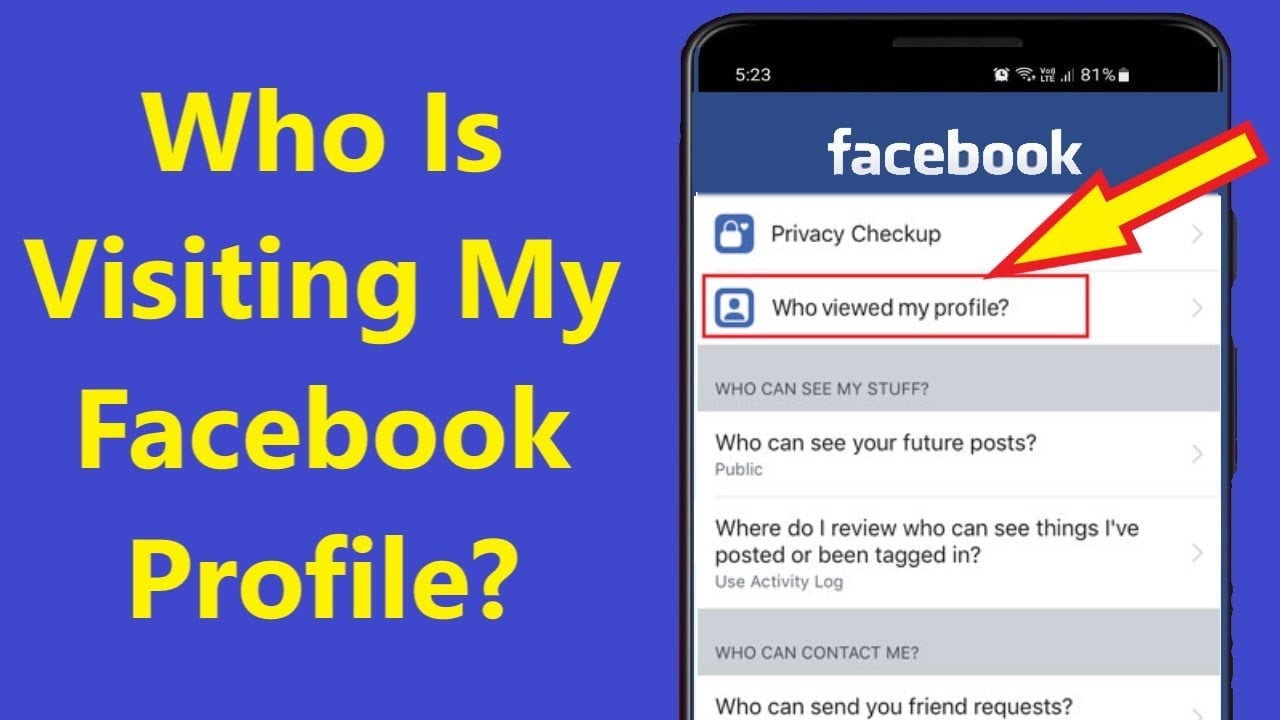
To see also :
How to Hide Posts From Someone on Facebook
How to Hide Posts From Someone on Facebook If you want to…

Editing rejected ads according to Facebook’s feedback

When it comes to social media ads, Facebook does not always give good feedback. Your ads may get approved, rejected, or even blocked, and you may be wondering what to do next. Luckily, there are ways to fix your ads and get them approved again. This may interest you : How to Merge Facebook Pages. Besides following the Facebook Advertising Policies, you can always request a review of your ads. You can do this via your Ads Manager or Account Quality Dashboard.

To make sure that your ad meets Facebook’s guidelines, you can first edit it. You will receive an email from Facebook detailing the reasons your ad was rejected. After you have made the changes, resubmit it for review. If your ad is rejected a second time, you can appeal the decision within your Account Quality page. Make sure to write content that adheres to Facebook’s advertising policies.

Sometimes your ad will be rejected for a variety of reasons. These could include the content itself or the way it is worded. If you think your ad is controversial or contains shocking content, Facebook will reject it. However, if you are sure that your ad is appropriate for Facebook, it will sell faster. If you want to change the content of your ad, read the Facebook policies before you start submitting it.
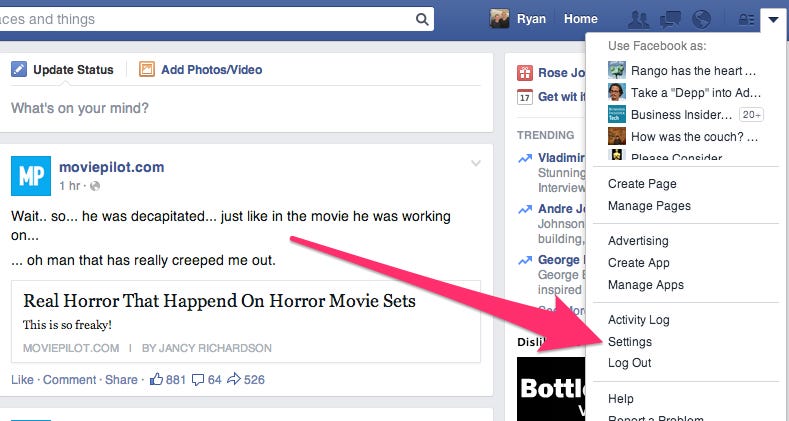
Read also :
How Can I Wish My Husband Anniversary on Facebook Without Him Seeing It?
How Can I Wish My Husband Anniversary on Facebook Without Him Seeing…

Using client testimonials or stories in your ad

If your ad is being rejected for a variety of reasons, try rephrasing the copy to focus more on the benefits of your product or service. Facebook can be very finicky, so you should take extra care to plan your content carefully to avoid getting rejected. On the same subject : What Happens If You Accidentally Like and Like Someone on Facebook?. If your ad is getting rejected because of personal attributes, you can always use testimonials or stories from your clients to fix the issue.

While Facebook has very little customer support, there are ways to fix rejected ads and get them approved again. First, you need to check how long it takes to approve your ad. Facebook reviews each ad thoroughly before it goes live, so it is important to monitor it regularly. In the meantime, your ad will remain in the “in review” status in the Delivery column.

The next step in fixing rejected ads on Facebook is to find out what the reasons were for rejecting your ad. In most cases, Facebook will tell you what they think is wrong with your ad, for example, if you’re trying to advertise cryptocurrency. If you disagree with their reasoning, you can dispute this decision. Facebook has strict ad policies, and if you violate any of them, you’re likely to get rejected.


To see also :
Can You Reactivate Your Facebook Account After Deactivating It?
Can You Reactivate Your Facebook Account After Deactivating It? So you’ve deactivated…

Related Posts:

  • How to Fix Rejected Ads on Facebook
  • How to See Sent Friend Requests on Facebook
  • How to Remove Facebook Ads
  • How to Cancel a Friend Request in Facebook
  • How Do I Contact Facebook Ad Support?
  • Does Facebook Still Have the 20 Text Rule?
Was this article helpful?
YesNo

You might also like

Troubleshooting Instagram Posting Issues

Troubleshooting Instagram Posting Issues

How to Post Multiple Photos on Instagram Without Cropping – The Ultimate Guide

How to Post Multiple Photos on Instagram Without Cropping – The Ultimate Guide

How Do I View My Instagram Likes on My PC?

How Do I View My Instagram Likes on My PC?

How to Pause Reels in Instagram

How to Pause Reels in Instagram

How to Make Instagram Bio Center

How to Get Verified on YouTube: How to Speed Up the Process

How to Get Verified on YouTube: How to Speed Up the Process

Categories

  • Facebook
  • General
  • Instagram
  • LinkedIn
  • Marketing
  • Pinterest
  • Social Media
  • TikTok
  • Twitter
  • YouTube


Making Your Brands Popular.

(347) 875-0972

[email protected]

© 2024 Zeru.
All Rights Reserved.

DMCA.com Protection Status

Instagram Services

  • Buy Instagram Followers
  • Buy Instagram Likes
  • Buy Instagram Views
  • Buy Instagram Comments

YouTube Services

  • Buy YouTube Views
  • Buy YouTube Subscribers
  • Buy YouTube Likes
  • Buy YouTube Comments

TikTok Services

  • Buy TikTok Followers
  • Buy TikTok Likes
  • Buy TikTok Views

Facebook Services

  • Buy Facebook Page Likes
  • Buy Facebook Followers
  • Buy Facebook Post Likes
  • Buy Facebook Views

Twitter Services

  • Buy Twitter Followers
  • Buy Twitter Likes
  • Buy Twitter Retweets

Quick Links

  • FAQ
  • Blog
  • Contact
  • About
  • Terms and Conditions
  • Privacy Policy
No Result
View All Result
  • Buy Followers
    • Instagram Services
      • Buy Instagram Followers
      • Buy Instagram Likes
      • Buy Instagram Views
      • Buy Instagram Comments
    • YouTube Services
      • Buy YouTube Views
      • Buy YouTube Subscribers
      • Buy YouTube Likes
      • Buy YouTube Comments
    • TikTok Services
      • Buy TikTok Followers
      • Buy TikTok Likes
      • Buy TikTok Views
    • Facebook Services
      • Buy Facebook Page Likes
      • Buy Facebook Followers
      • Buy Facebook Post Likes
      • Buy Facebook Views
    • Twitter Services
      • Buy Twitter Followers
      • Buy Twitter Likes
      • Buy Twitter Retweets
  • Blog
  • Categories
    • Instagram
    • YouTube
    • TikTok
    • Facebook
    • Twitter
  • Contact

© 2023 Zeru. All Rights Reserved.

Welcome Back!

Login to your account below

Forgotten Password?

Create New Account!

Fill the forms bellow to register

All fields are required. Log In

Retrieve your password

Please enter your username or email address to reset your password.

Log In






